Configuration manual for 2N IP intercoms
•
•
<p>Hello,
</p>
<p>User <b>$User$</b> generated a new access event on device <b>$DeviceName$</b> (IP:
<b>$Ip4Address$</b>)
</p>
<ul>
<li>Authentication Type: <b>$AuthIdType$</b>
</li>
<li>Authentication ID: <b>$AuthId$</b>
</li>
<li>Validity: <b>$AuthIdValid$</b>
</li>
<li>Reason: <b>$AuthIdReason$</b>
</li>
<li>Direction: <b>$AuthIdDirection$</b>
</li>
<li>Date/Time: <b>$DateTime$</b>
</li>
</ul>
<p>This e-mail message is generated automatically by device: <b>$DeviceName$</b>. Do
not reply to this message.
</p>
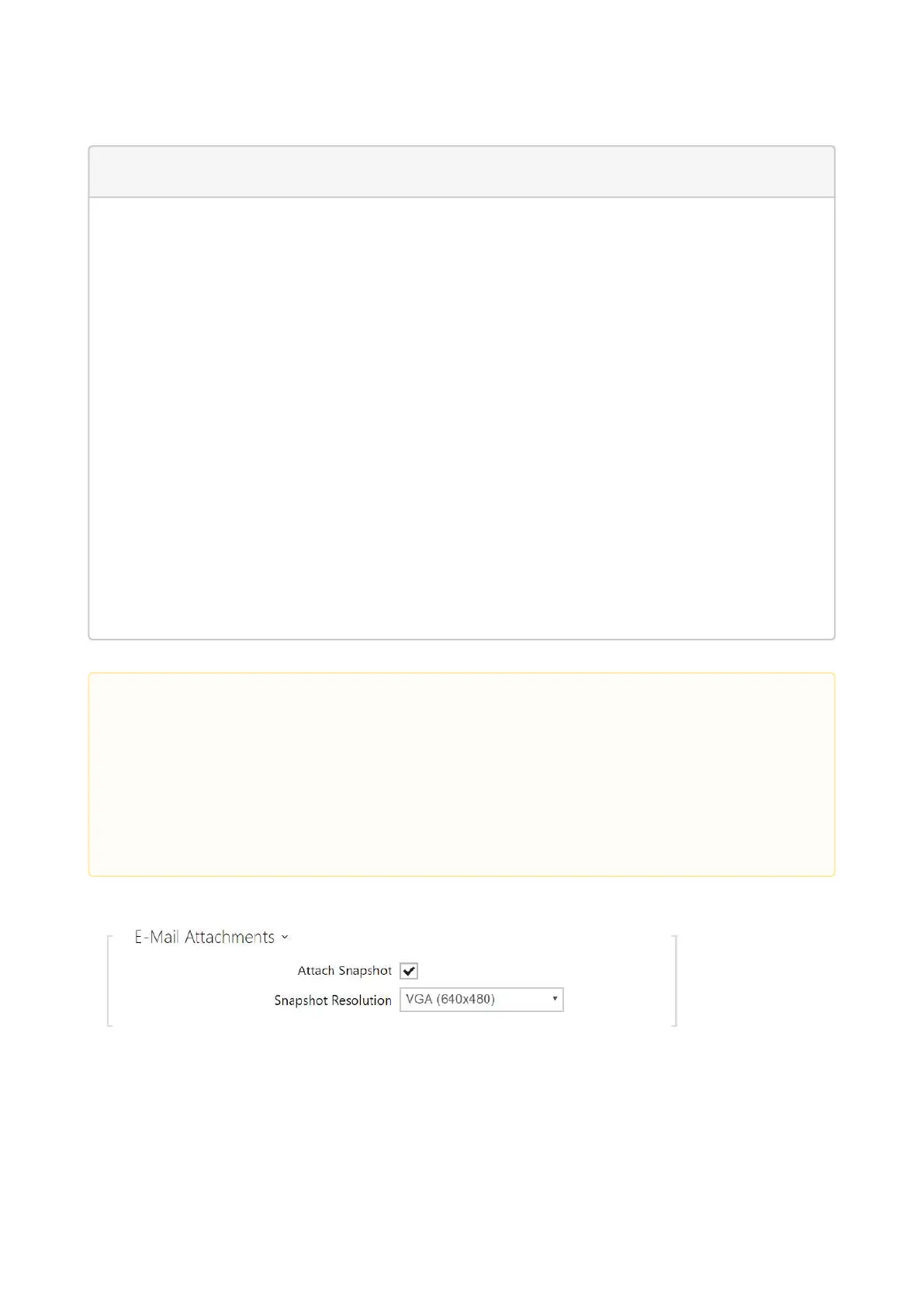
Attach Snapshots– enable sending of an attachment including one or more camera
snapshots taken during ringing or calling.
Snapshot Resolution– set the snapshot resolution for the images to be sent.
•
•
•
•
Caution
An extended syntax can be used for the $AuthIdType$ and $AuthIdValid$
placeholders to replace the values in different languages.
In the case of an invalid value of $AuthId$, the first half of the ID is masked, e.g.:
******11188, ****************792d9044158891fa etc.
In the case of a valid value of $AuthId$, the whole ID is masked ****.
If the placeholder value is not found in the string, the value is used directly.



 To Next Page