Configuration manual for 2N IP intercoms
•
•
•
•
•
•
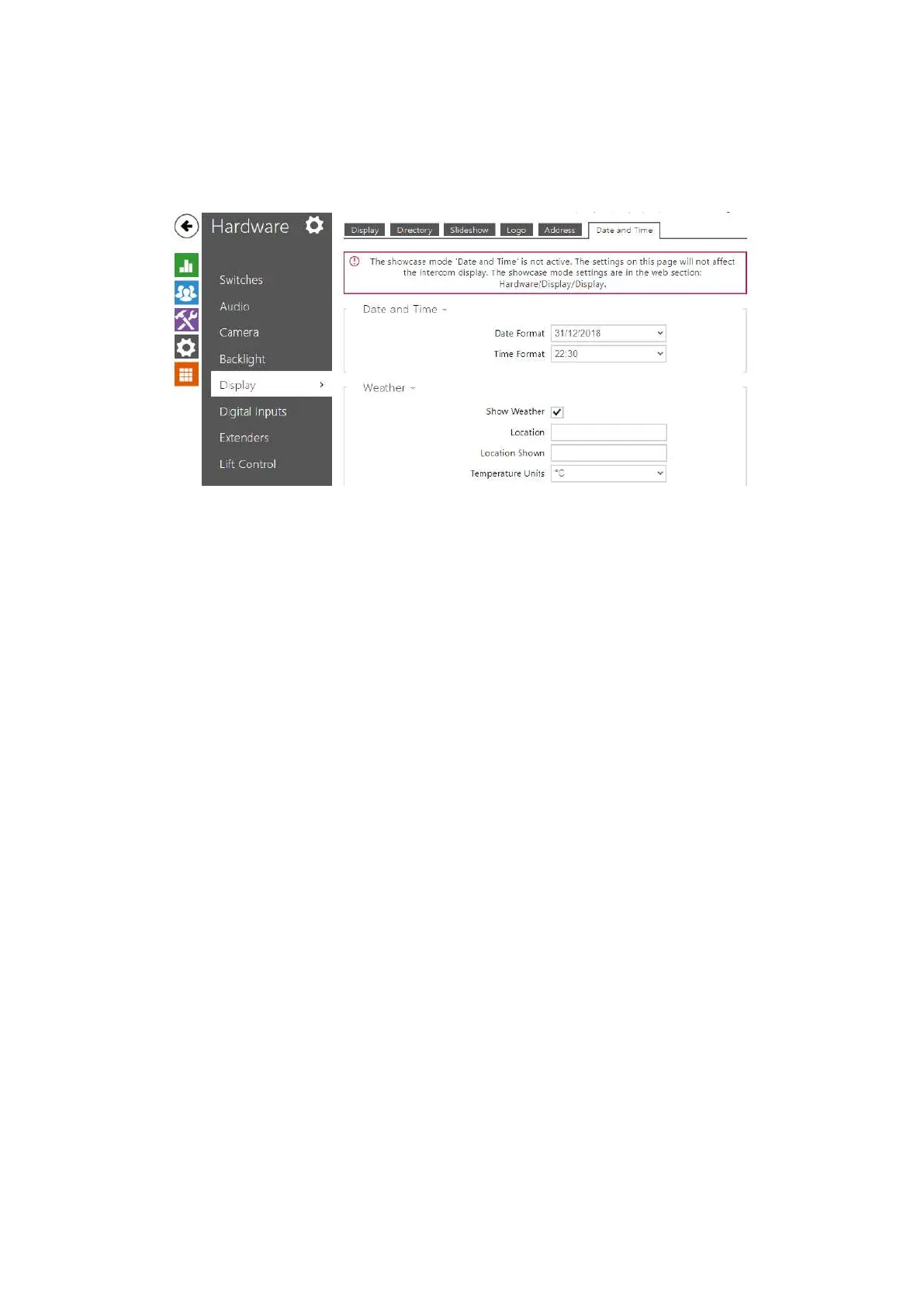
Date and Time
Helps you set the date, time and weather parameters.
Date Format – set the data format to be displayed.
Time Format – set the time format to be displayed.
Weather
Show Weather – display the current weather info on the device.
Location – set the device location for weather forecast. If not completed, the
automatically selected location is used.
Location Shown – set the location to be shown on the display. If not completed, the
weather forecast location is displayed.
Temperature Units – select the temperature units to be displayed. The options are °C and
°F.



 To Next Page