Configuration manual for 2N IP intercoms
•
•
•
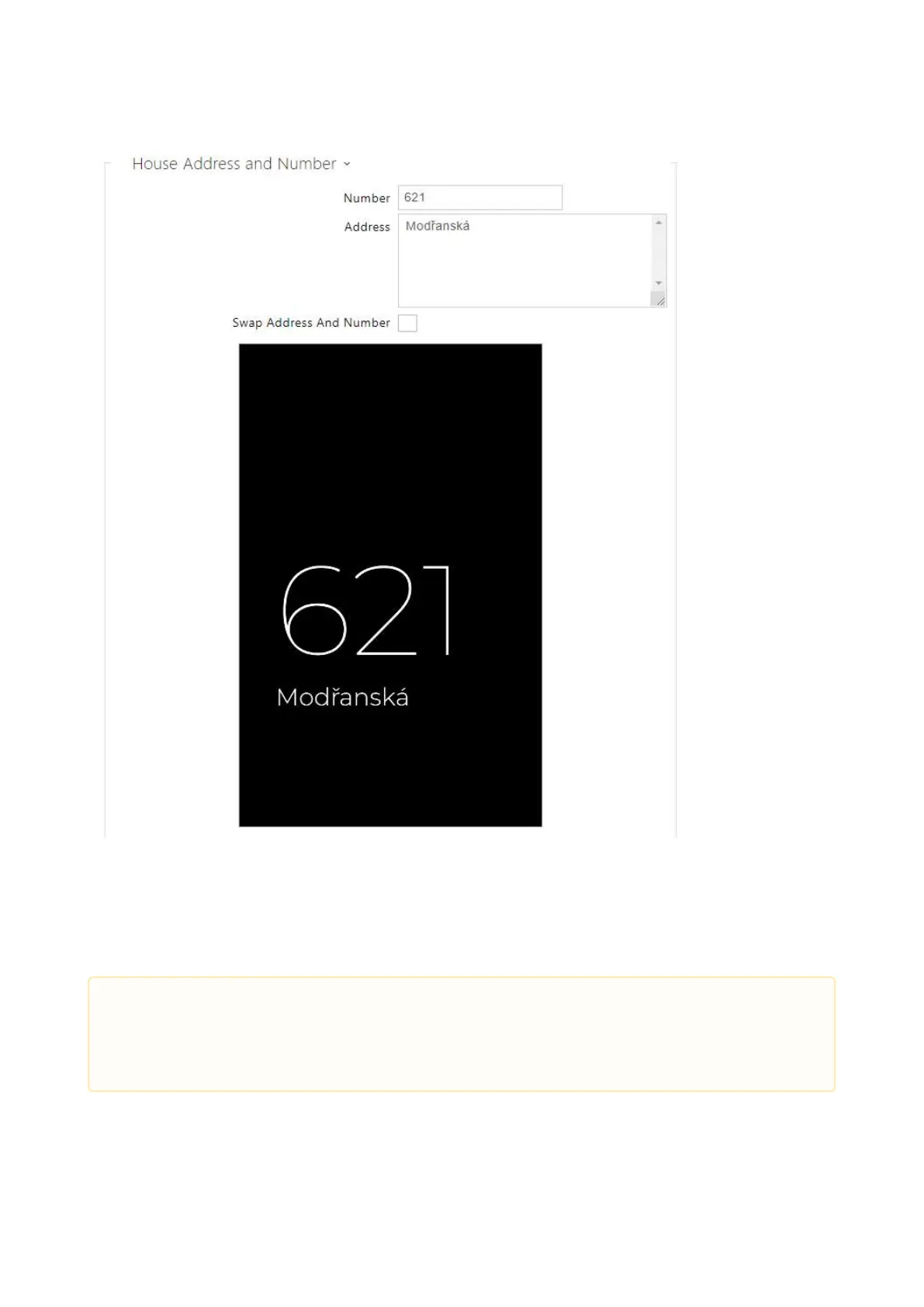
Number – enter the house number or any other identification used in the location. It is
displayed in the Showcase mode if Address is selected.
Address – enter the building address/name shown in the Showcase mode if Address is
selected.
Swap Address and Number– change the address and number sequence.
•
Caution
The Address image is displayed only if this mode is allowed in the Hardware /
Display / Display menu.



 To Next Page