Configuration manual for 2N IP intercoms
Logo
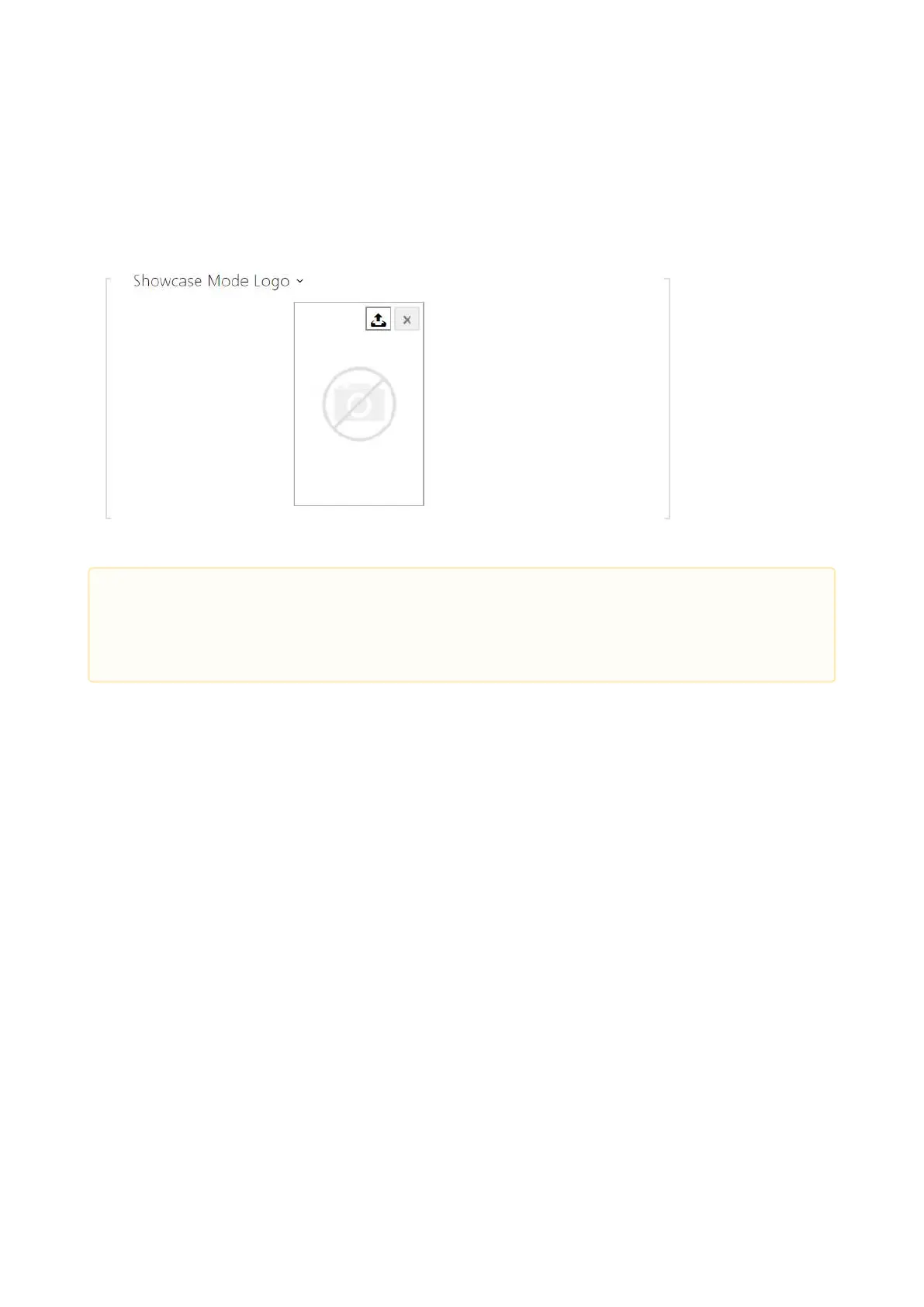
This tab helps you upload a logo for the Showcase mode. Any image with a resolution higher
than 800 x 1280 pixels will be reduced. Smaller files remain the same and will not cover the
whole area. PNG images with transparent backgrounds are also supported.
Address
Address helps you set the house address or any other identifier for the Showcase mode, which
will be displayed during the device idle time.
•
Caution
The Logo image is displayed only if this mode is allowed in the Hardware /
Display / Display menu.



 To Next Page