Configuration manual for 2N IP intercoms
• – select one of the pre-defined profiles or set the time profile for the given
element manually.
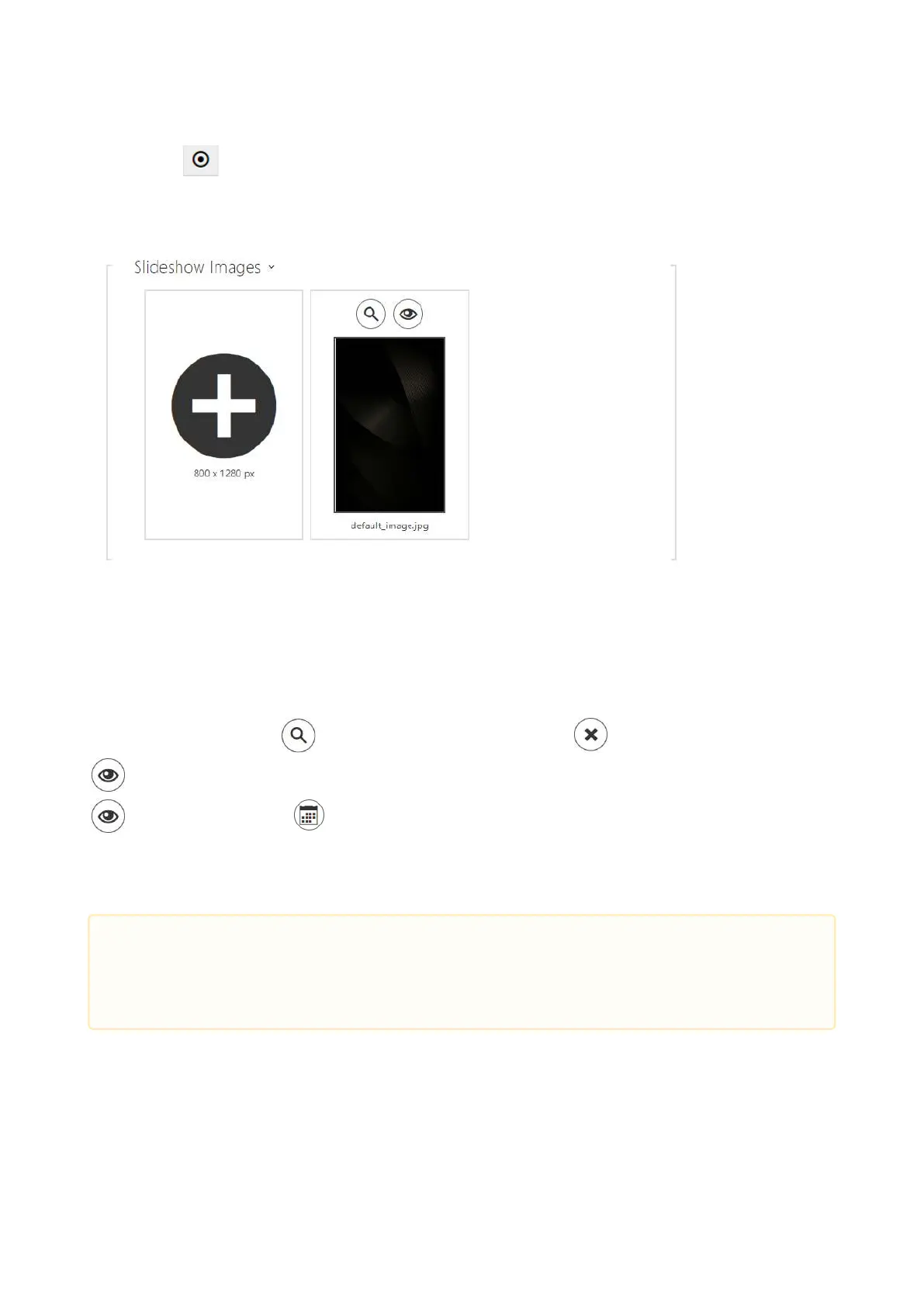
The recommended resolution is 800 x 1280 px for images and 400 x 640 px for video files in 2N
®
IP Style. The device automatically adjusts images with a different resolution value.
Video files must have the maximum resolution of 400 x 640 px, maximum size of 7 MB and
maximum framerate of 24 fps.
Click the magnifier icon to view the loaded image, press to delete an image and click
to hide a selected image/video on the device display. Click the variable image/video icon
If no time profile is active, the slideshow will have
no time profile conditioned content. In the same case, the slideshow will always have a content
that is not conditioned by a time profile.If no image is loaded, the Slideshow mode will never be
activated.
to set a time profile for the display.
•
Caution
The Slideshow images are displayed only if this mode is allowed in the Hardware /
Display / Display menu.



 To Next Page