Configuration manual for 2N IP intercoms
•
•
•
•
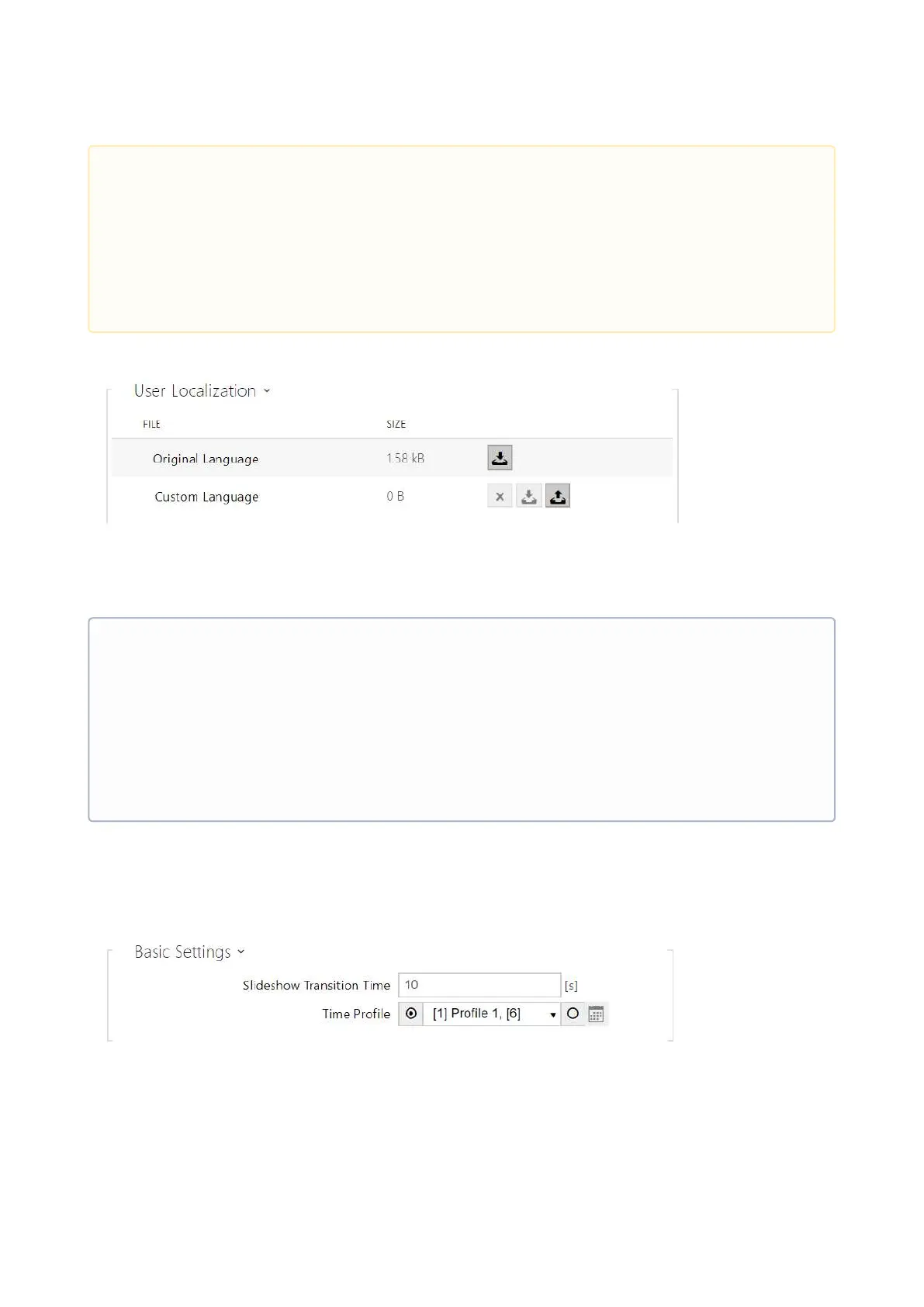
Original Language–download a preset XML file with all the texts to be displayed.
User Language–record, remove and load a localization file of your own.
Slideshow
This tab helps you configure a list of images to be displayed in the Slideshow mode. Up to 14
images and videos can be uploaded for the Slideshow to be switched with a predefined delay.
Slideshow Transition Time–set the image displaying time in a slideshow.
Time Profile–choose one or more time profiles to be applied. Set the time profiles in
Directory / Time profiles.
•
•
Caution
The root folder display changes are not applied until you go to the search or
dialing menu.
To apply the Bluetooth authentication button location / mode display change,
disconnect all the available devices with Bluetooth authentication or move them
outside the reach of 2N
®
IP Style.
•
•
•
•
•
Note
If none of the pre-defined languages is convenient for you, proceed as follows:
Download the original language file (English).
Modify the file using a text editor (replace the English texts with your own ones).
Upload the modified localization file to the intercom.
Set Language Settings | Language to Custom.
Check and correct, if necessary, the texts on the intercom display.



 To Next Page