Configuration manual for 2N IP intercoms
•
•
•
•
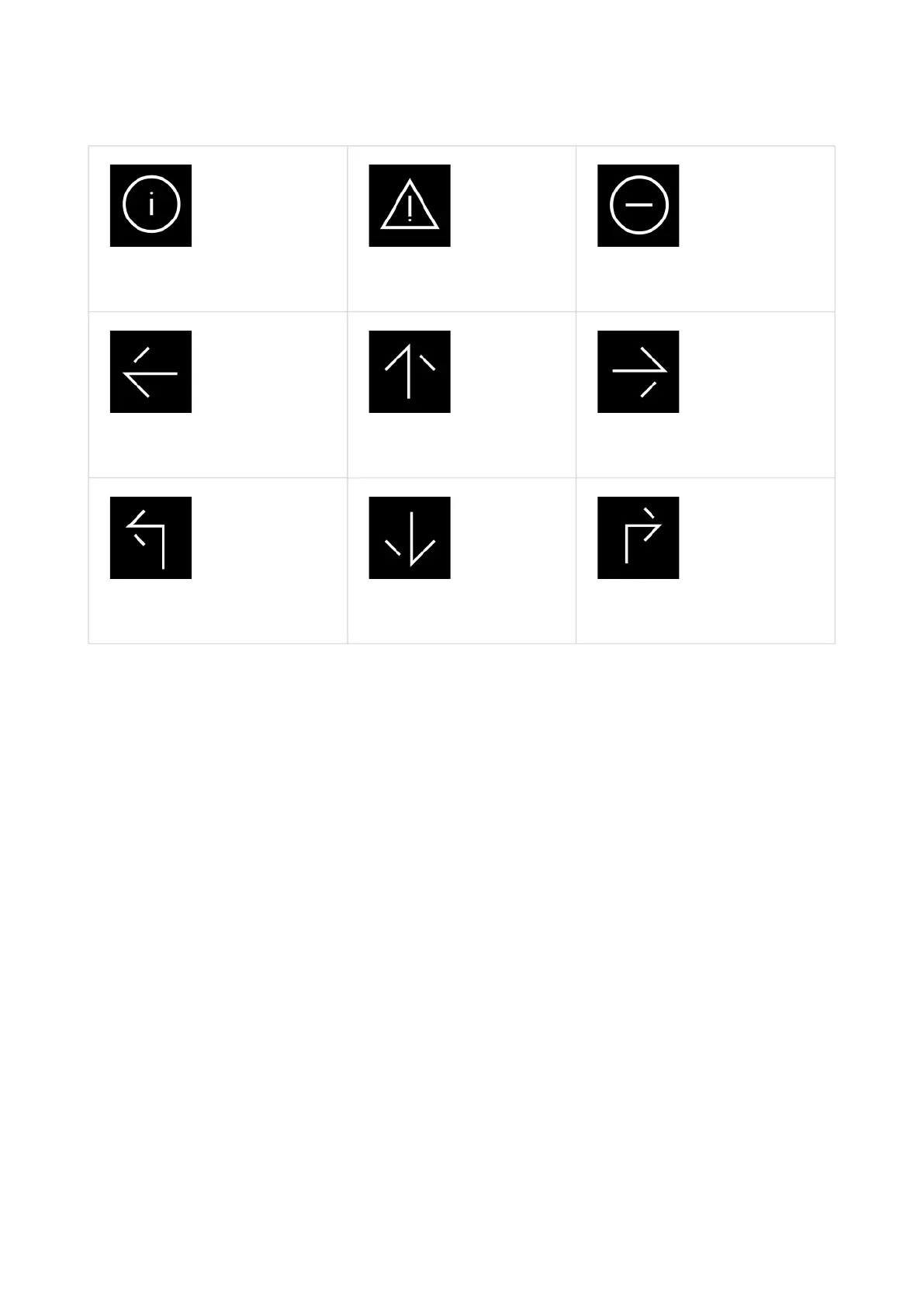
Info Caution
No Entry
Left Arrow Up Arrow Right Arrow
Left Turn Arrow Down Arrow Right Turn Arrow
Message Heading – set the welcome text heading.
Message Body – set the welcome text body.
Confirmation – set whether or not the welcome text is provided with an OK confirmation
button.
Upload Custom Image – upload an image to be used as a welcome message. Make sure
that the image resolution is 800 x 1280 px and the format is JPEG or PNG.



 To Next Page