Configuration manual for 2N IP intercoms
•
•
•
•
•
•
•
•
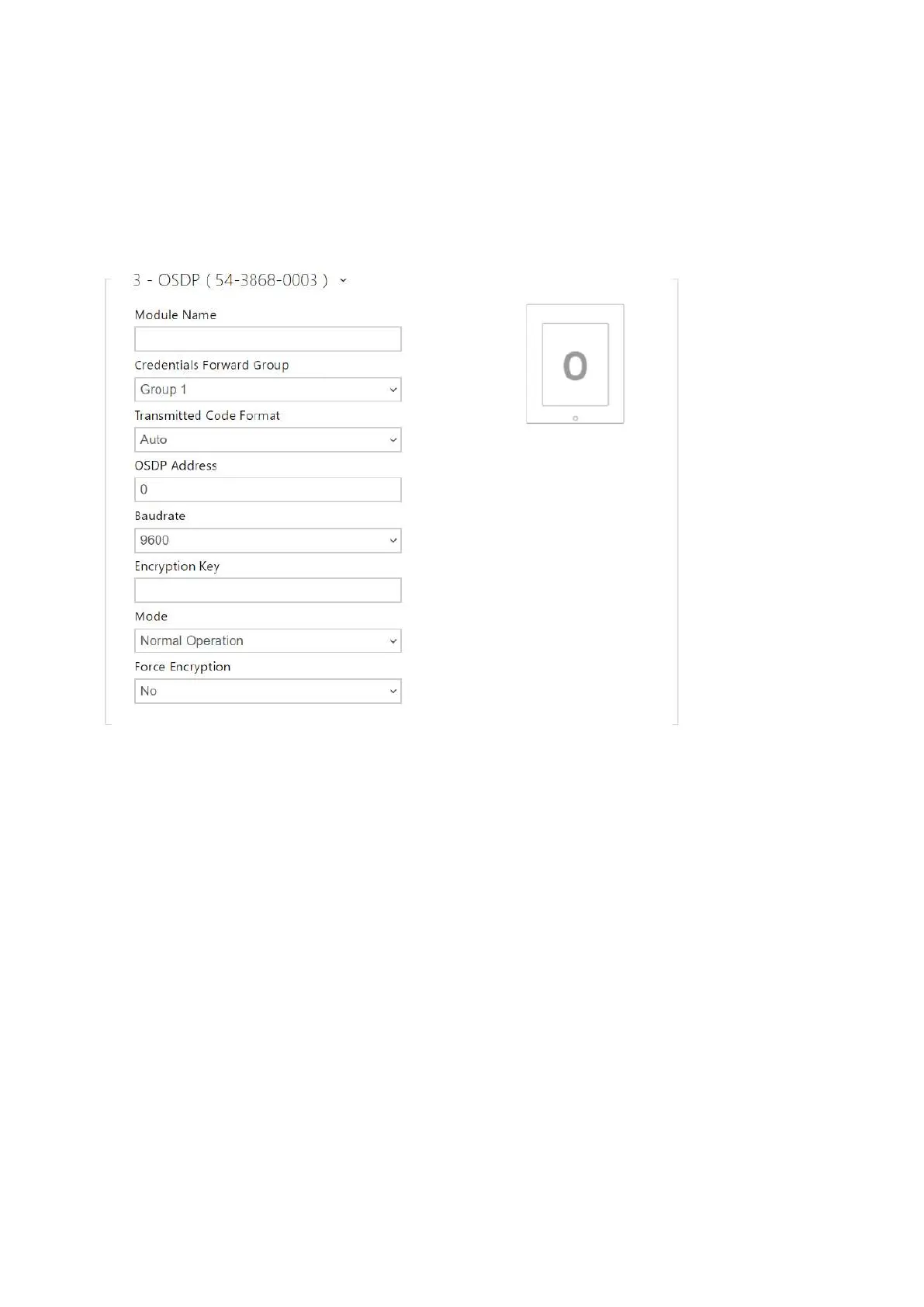
OSDP Module Configuration
The OSDP module is equipped with an (input-output) OSDP (RS-485) interface. OSDP helps you
connect the 2N IP intercom to, e.g., a building security system or Control Panel (to send the RFID
card IDs read on the connected RFID reader or PIN codes).
Module Name – set the module name. The module name is used for input / output
specification in Automation.
Credentials Forward Group – assign the OSDP output to the group to which codes from
the connected card readers or OSDP inputs can be resent.
Transmitted Code Format – set the code format to be transmitted.
OSDP Address – OSDP module address ranging from 0 to 126 on an OSDP line.
Baudrate – set the communication rate in compliance with the device connected.
Encryption Key – set your own key for encrypted communication.
Mode – use the installation mode for encryption key remote setting on the peripheral if
enabled. Once the encryption key is received, the normal operation is switched on
automatically. The installation mode is signaled by a fast flashing of the LED indicator on
the OSDP module.
Force Encryption – set forced encryption for encrypted communication only.



 To Next Page