Configuration manual for 2N IP intercoms
•
•
•
•
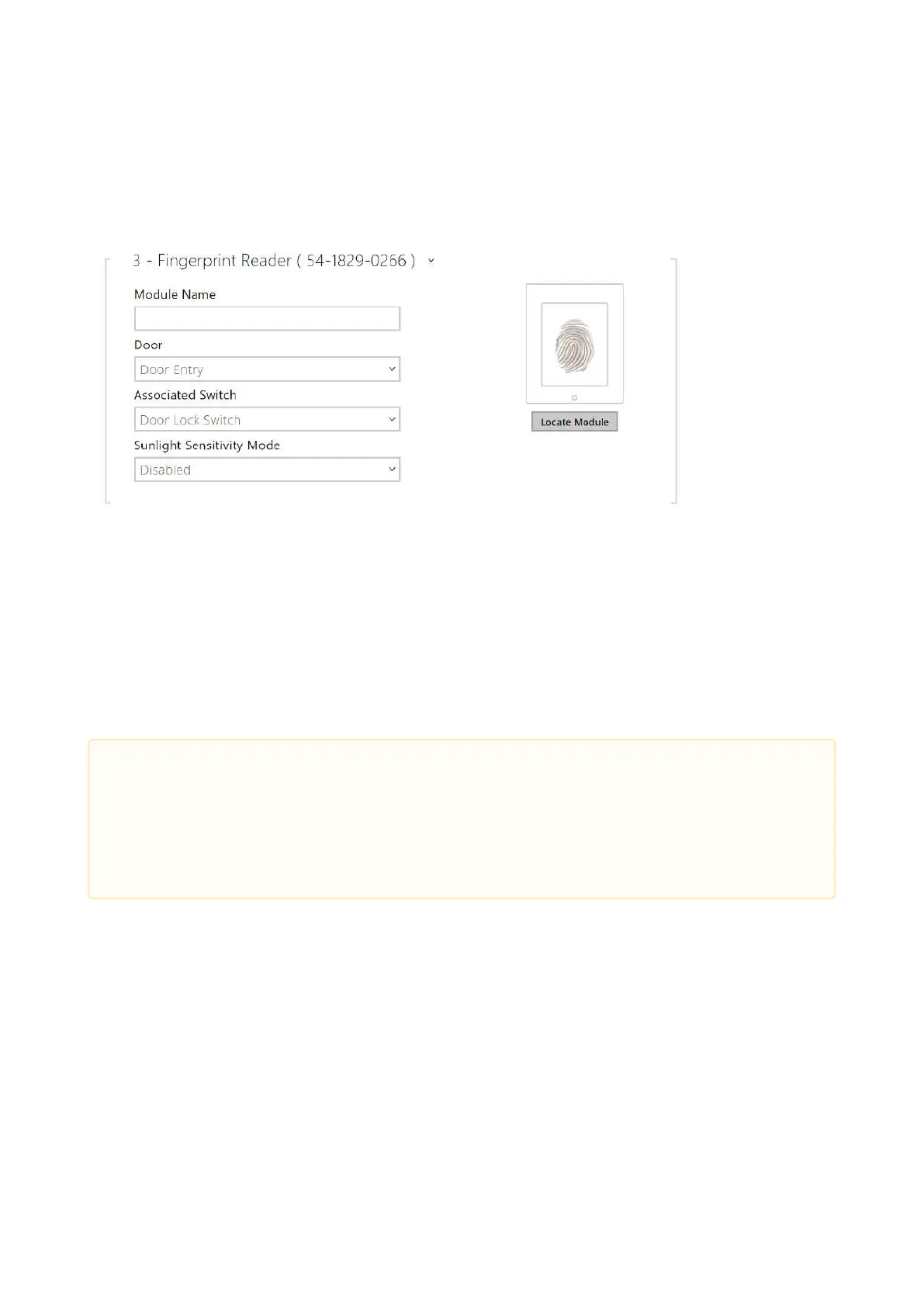
Fingerprint Reader Module Configuration
Module Name–set the module name for logging events from the Fingerprint reader.
Door– set the reader direction (Arrival, Departure) for the Attendance system purposes.
Associated Switch –set the switch to be activated after user authentication via this
module. If you set Door Lock Switch, the authentication rules specified in Hardware / Door
will be used.
Sunlight Sensivity Mode– enable this parameter to prevent erroneous behavior of the
reader if exposed to direct sunlight. Restart the device to change the setting. The mode
may reduce the reading sensitivity.
•
Caution
Whenever the fingerprint reader is disconnected, the User fingerprints will be
hidden in the user profile after restart. This section displays how many user
fingerprints have been uploaded to the intercom memory. Once a fingerprint
reader is reconnected, the User fingerprints will be displayed again.



 To Next Page