Inserting the Fast EtherLink PCI Adapter 2-3
Inserting the Fast EtherLink PCI Adapter
To insert the adapter into the computer, follow these steps:
1 Unplug the computer and disconnect all cables that are
connected to the main system unit.
2 Remove all jewelry from your hands and wrists.
3 Use only insulated or nonconductive tools.
4 Remove the computer’s cover and select any of the
available PCI expansion slots.
5 Insert the adapter in the slot and secure the screw.
Make sure that you install the Fast EtherLink PCI adapter only
in a PCI slot. It can be a bus master or a non-bus master slot.
The Fast EtherLink PCI adapter provides better performance in
a bus master slot. PCI slots are the short slots: both ISA and
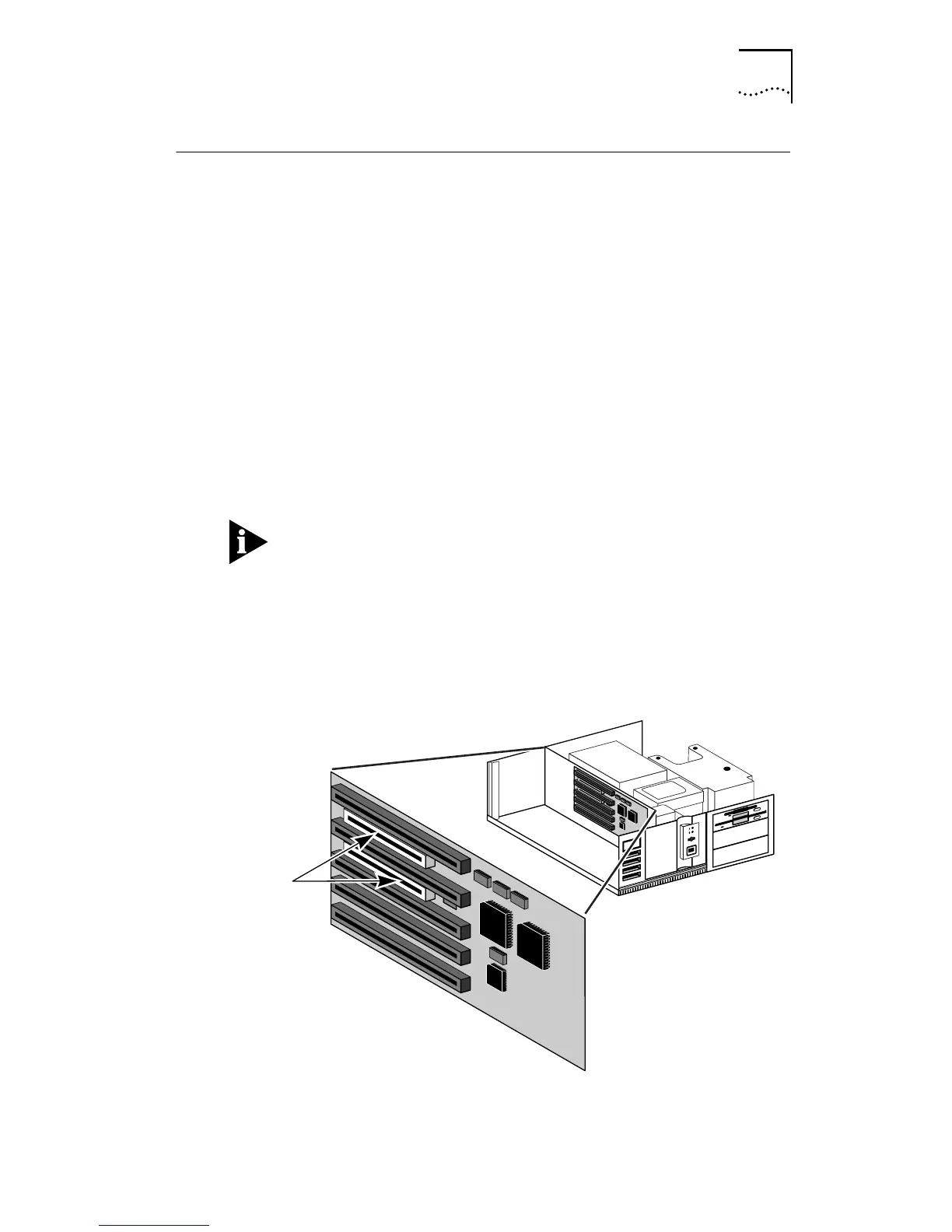
EISA slots are longer. Figure 2-1 compares the size of the slots
in a PCI computer with EISA slots.
Figure 2-1 PCI Computer with PCI and EISA Slots
PCI bus
connectors


 To Next Page