3-6 CHAPTER 3: INSTALLING NETWORK DRIVERS
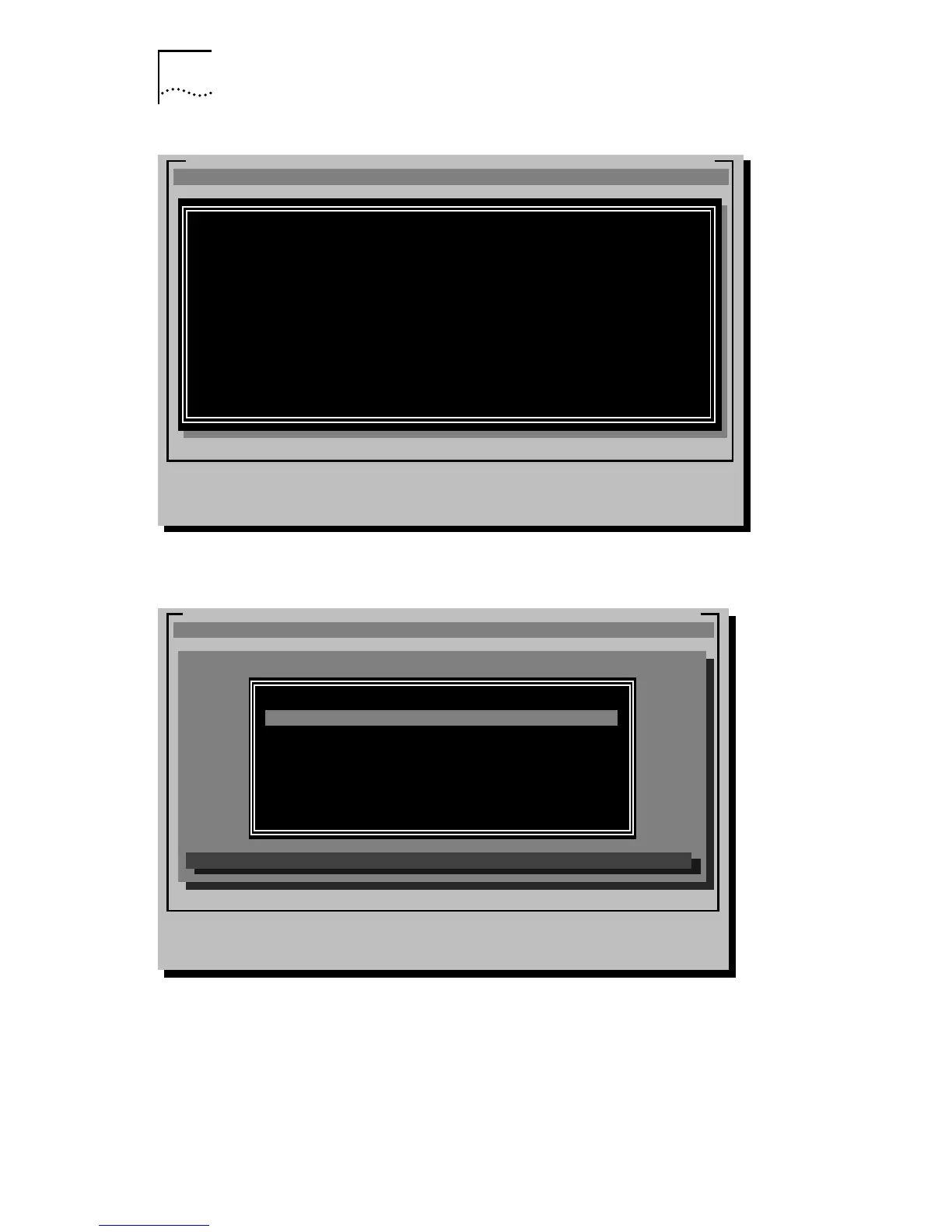
Figure 3-1 Auto Installation Information Screen
Figure 3-2 Main Menu
ESC=Cancel
EtherDisk-3C59X Fast EtherLink/EtherLink III Bus Master Adapter Family v.X.X
[ENTER]=Continue
[ESC]=Exit Program
3Com's auto installation software (AutoLink) automatically configures your
adapter and workstation for use as a NetWare client. To use AutoLink:
* Have only one 3Com EtherLink adapter installed
* Use NetWare v2.X, v3.1X, or v4.X as your network operating system
* Have DOS on the client being installed
AutoLink edits your AUTOEXEC.BAT and CONFIG.SYS files and saves the old
versions. Select General Information/Release Notes in the main menu for
information on AutoLink server support. To manually set up your adapter
or for information/drivers for other NOSs, use the options under Standard
Installation and Configuration in the main menu.
(C) Copyright 1995, 3Com Corporation. All Rights Reserved
ESC=Cancel F1=Help
EtherDisk-3C59X Fast EtherLink/EtherLink III Bus Master Adapter Family v.X.X
MAIN MENU
[ENTER]=Execute Function
[
-¯
]=Scroll
[F1]=Help [ESC]=<Cancel>
Auto Installation with Configuration (AutoLink)
NetWare DOS ODI Client
Standard Installation and Configuration
Network Drivers ...
Configuration/Diagnostic/Troubleshooting ...
General Information/Release Notes
This option will install a complete DOS ODI client.
(C) Copyright 1995, 3Com Corporation. All Rights Reserved


 To Next Page