Connecting to the Network 2-5
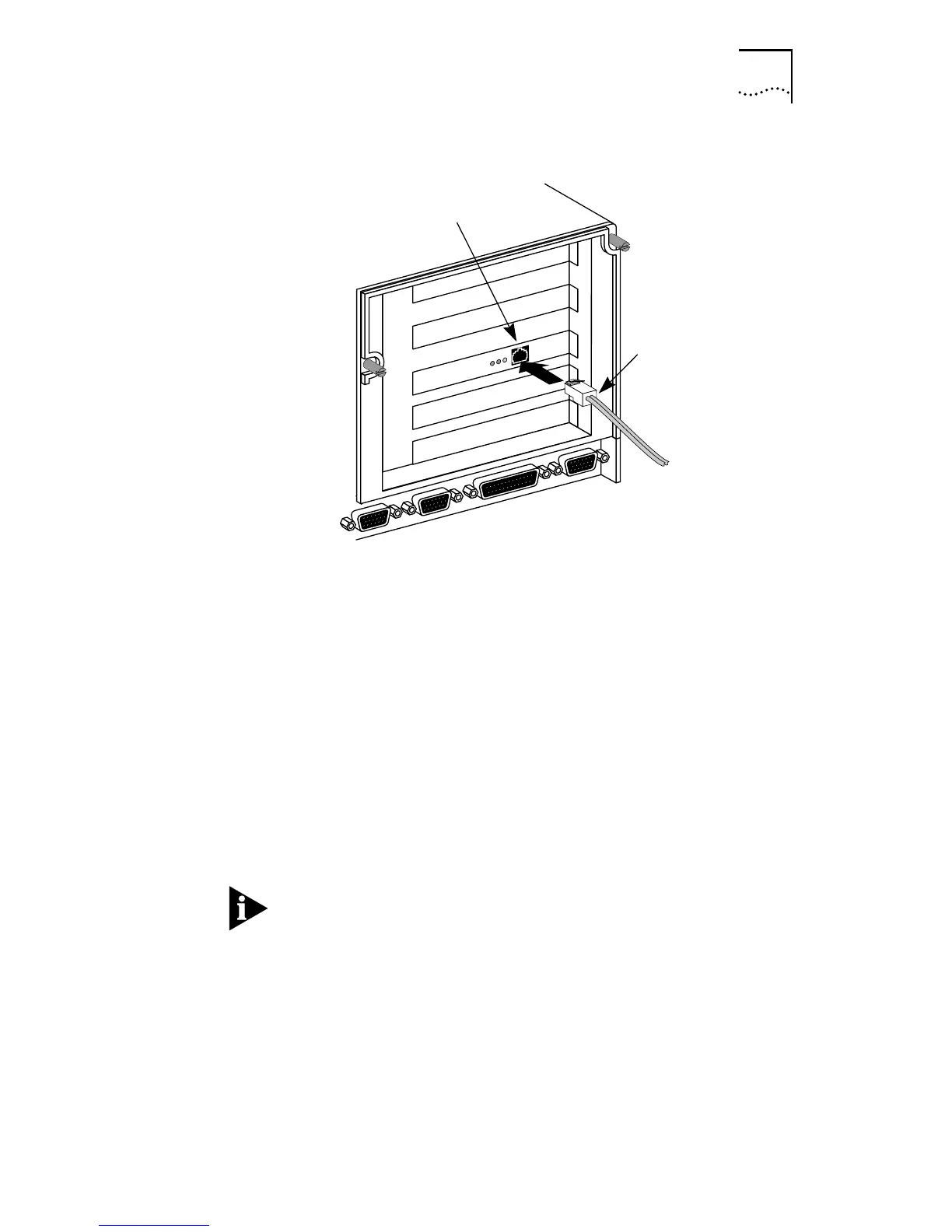
Figure 2-2 Connecting Twisted-Pair Cable
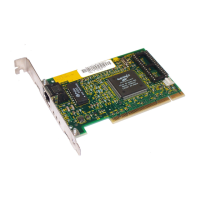
The Fast EtherLink PCI adapter uses an on-board transceiver
with twisted-pair cable. To establish a valid 10 Mbps
connection, the cable must be connected to a 10BASE-T hub.
To establish a valid 100 Mbps connection, the cable must be
connected to a 100BASE-TX hub. Connect the network cable
as follows:
1 Make sure that the connector on your cable is wired
appropriately for standard 10BASE-T or 100BASE-TX
adapter cards.
The UTP wire pairs and configuration for 100BASE-TX cable
are identical to those for 10BASE-T cable when used with
Category 5 UTP cable. The “straight through” connection
should be made from the Fast EtherLink PCI adapter through
the cable and connectors to the hub. No crossover in the
cable is required.
Refer to Figure A-1 for RJ-45 connector pin assignments.
RJ-45
connector
RJ-45
connector


 To Next Page