Changing Software Settings B-3
5 When the auto installation screen appears, as shown in
Figure 3-1 press [Enter].
6 When the main menu appears with a list of options, as
shown in Figure 3-2, select Configuration/Diagnostic/
Troubleshooting.
7 When the Configuration and Diagnostic screen appears,
select Configuration and Diagnostic Program.
8 Do one of the following:
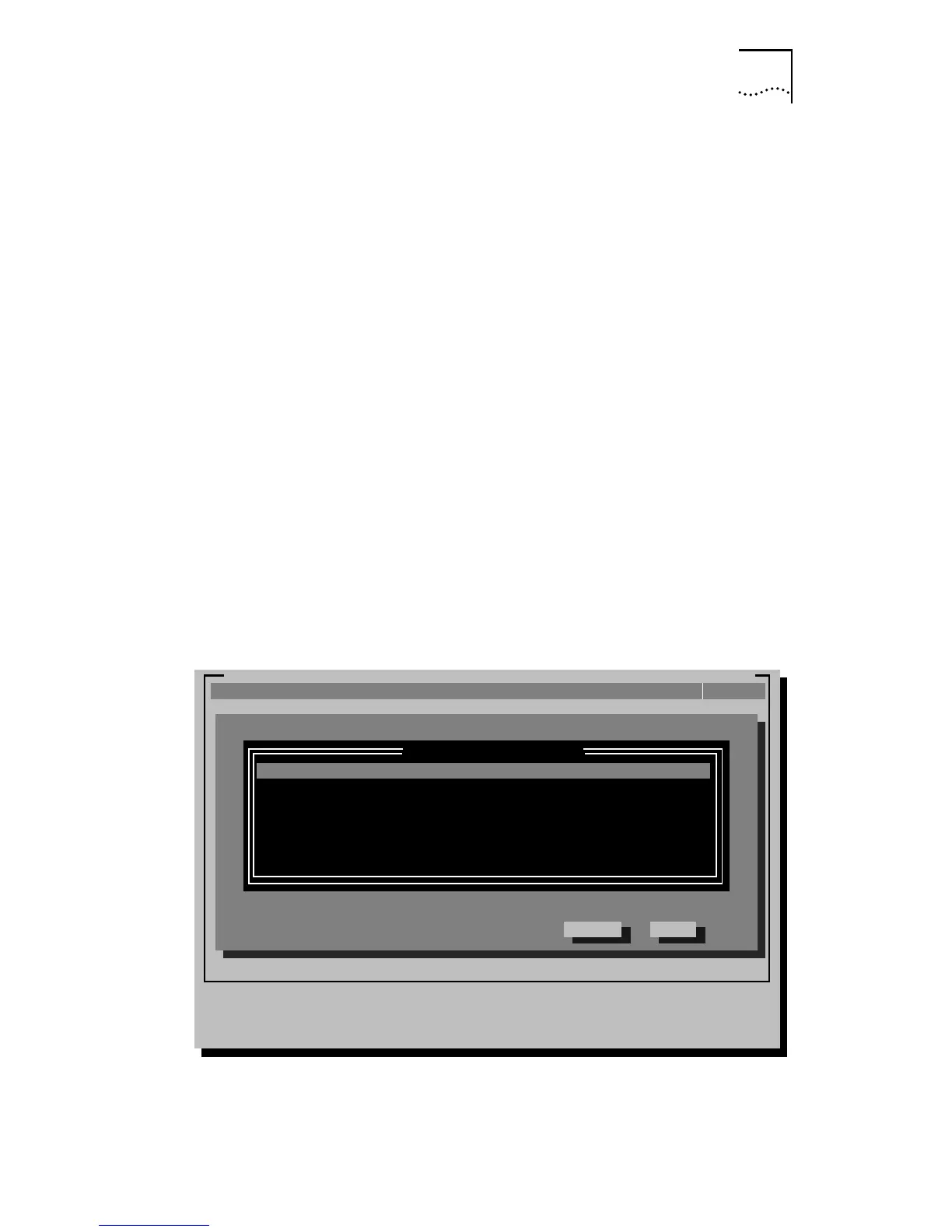
a If you have multiple adapters installed, as shown in
Figure B-1, use the arrow keys to select the desired
adapter and press [Enter]. When the Configure Adapter
option is highlighted on the Install pull-down menu, press
[Enter] again.
b If you have a single adapter installed, the Configure Adapter
option appears already highlighted on the Install pull-down
menu. Press [Enter].
Figure B-1 Multiple Adapter Option Configuration
EtherDisk-3C59X Fast EtherLink/EtherLink III Bus Master Adapter Family v.X.X
Initial Adapter Selection
Select Quit
Select the adapter to be configured and/or tested.
[ENTER]=<Select>
[Alt]+<Highlighted Key>=Execute Function [
-¯
]=Scroll
[TAB]=Next Field [SHIFT+TAB]=Previous Field [F1]=Help [ESC]=<Quit>
Installed Adapters
3Com 3C595-TX PCI Dev/Slot 12: Ethernet Address = 0060C0BC00D1
3Com 3C595-TX PCI Dev/Slot 13: Ethernet Address = 00600C34C320
InstallQuit View Select F1=HelpTest
(C) Copyright 1995, 3Com Corporation. All Rights Reserved


 To Next Page