153D Systems, Inc.
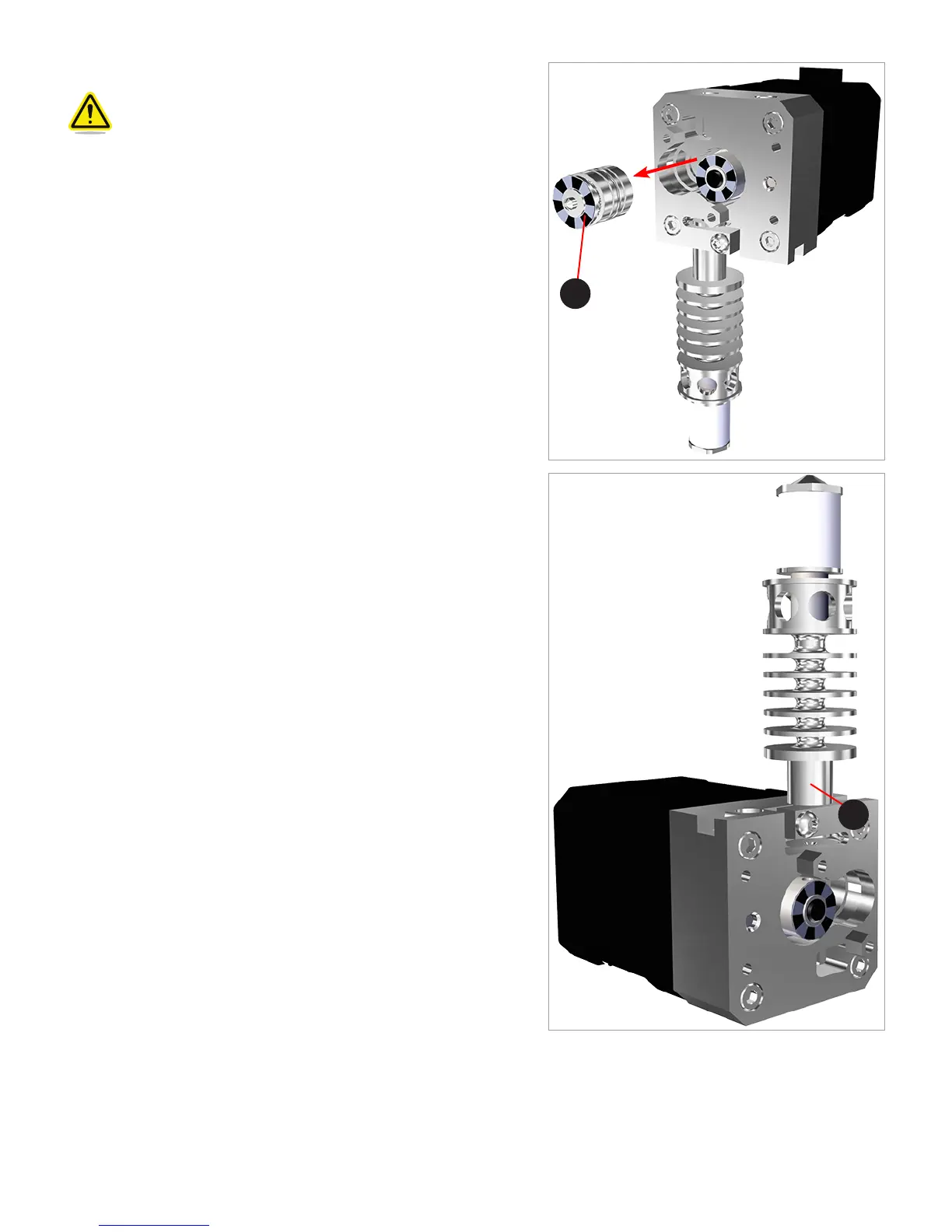
25. Carefully remove the idler gear.
CAUTION: Be careful not to damage the sensor disk (A). If
it becomes damaged, the extruder assembly will need to be
replaced.
26. Using the T10 torx wrench included with the printer, loosen but do not
remove the screw securing the print jet.
A
A












 To Next Page