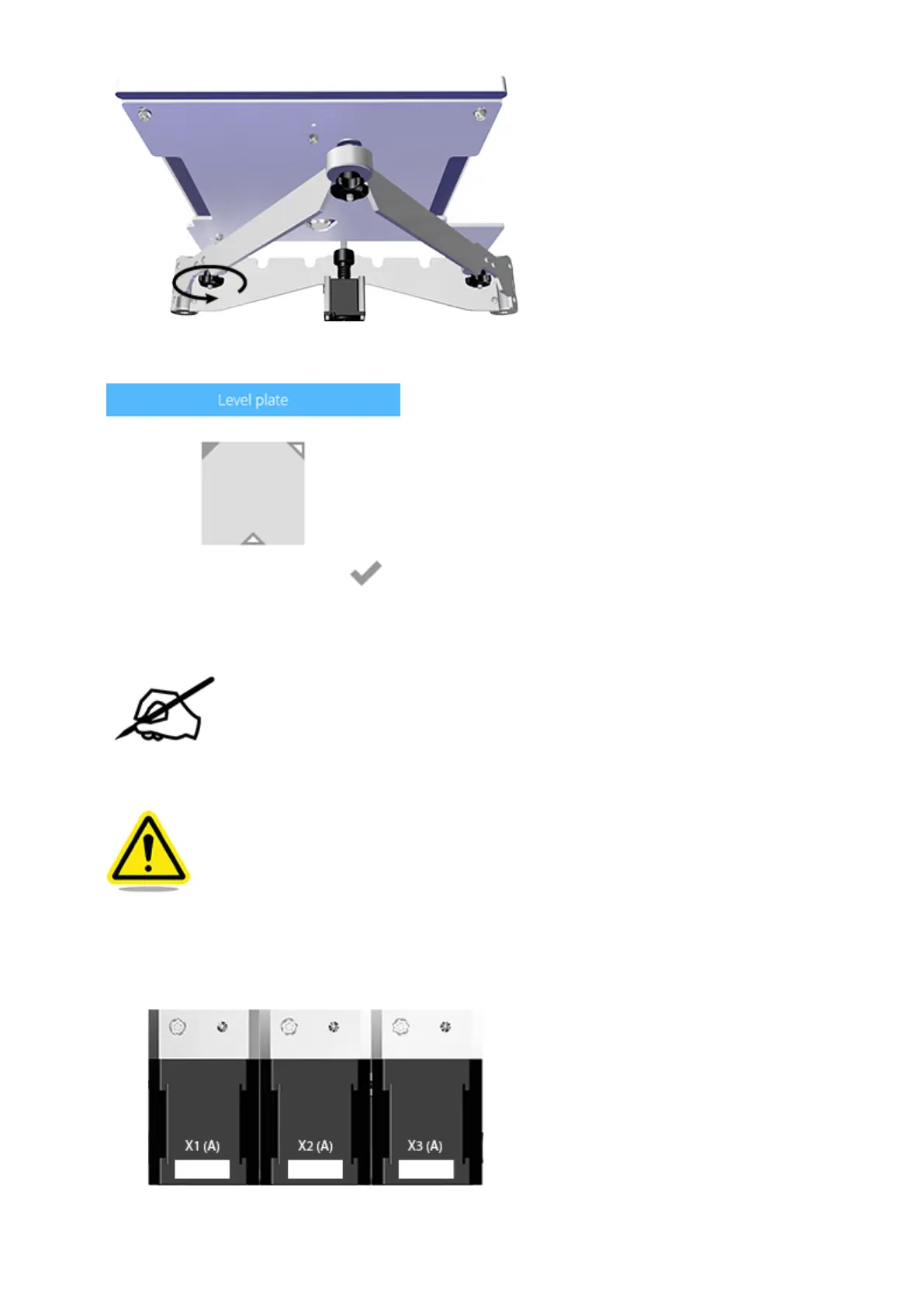
Once completed, select the checkmark to exit the utility.11.
Properly remove the material cartridges.12.
NOTE: For more information, refer to the section titled Replacing a Material
Cartridge in the user guide.
Power off the printer and disconnect it from utility power.13.
CAUTION: The printer must be powered off and the power cord must be
disconnected from utility power.
Remove the lid from the top of the printer.14.
Disconnect the cables X1 (A), X2 (A) and X3 (A) from extruder motors.15.












 To Next Page