ProJet
®
x60Pro Series User Guide ProJet x60Pro® Series Overview
3dscentral.3dsystems.com 16 All Rights Reserved
5/12/13
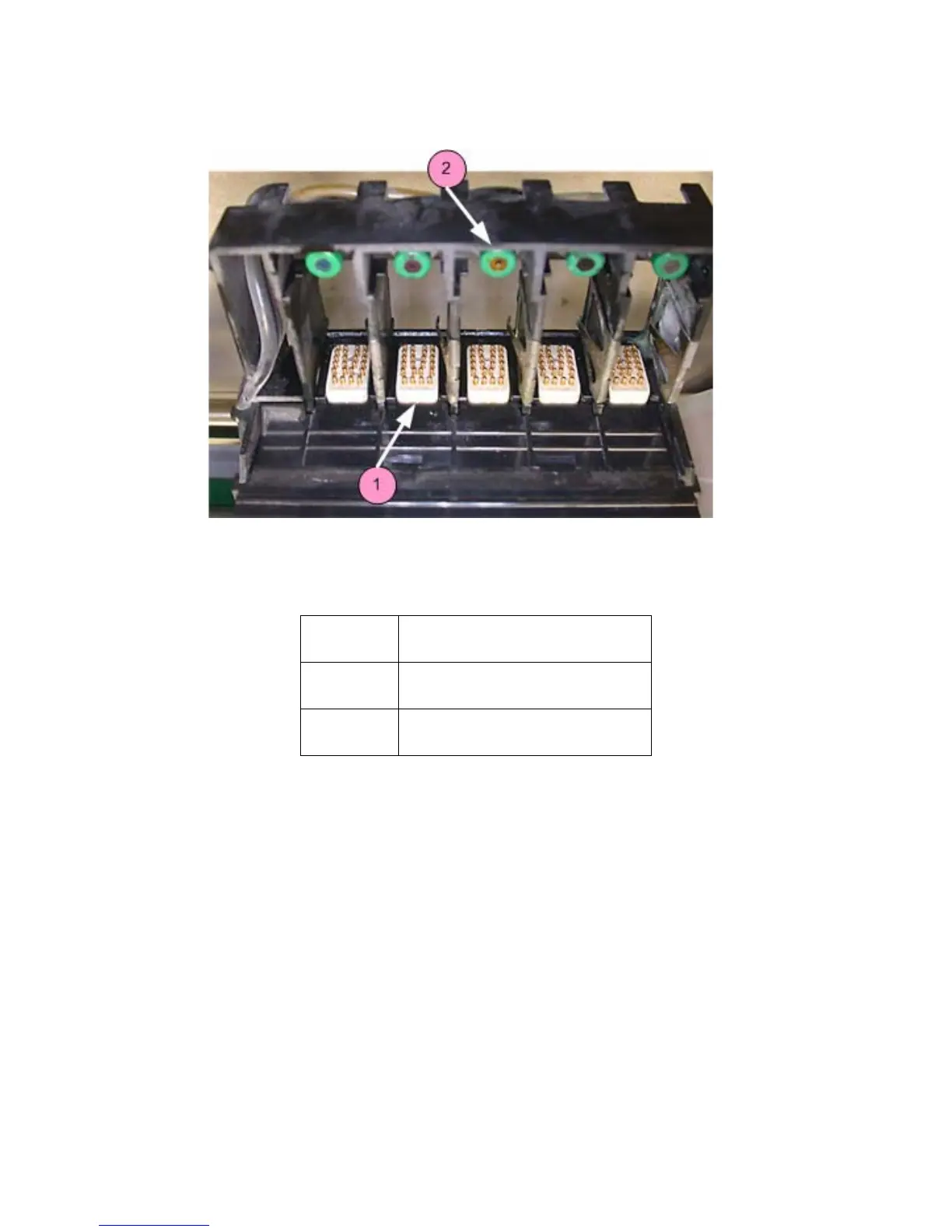
1.10.2 Top Inside View
Note: Carriage cover shown removed.
1.11 Control Knob Operations
Push the Control Knob once to:
• Bring up the LCD menu.
• Select a menu item.
• Open a submenu.
• Start/Cancel/Stop a menu function.
Turn the Control Knob left or right to:
• Highlight a menu item.
Number Component
1 Pogo Pins (5 sets total)
2 Septum (5 total)










 To Next Page