ZPrinter
®
850 User Manual Printer Maintenance
3dscentral.3dsystems.com 56 All Rights Reserved
5/12/13
6.7 Clean The Slow Axis Rails and Pulleys
Frequency: On a regular schedule, depending on your usage. Or, whenever the printer has problems or
errors related to the Slow Axis motion.
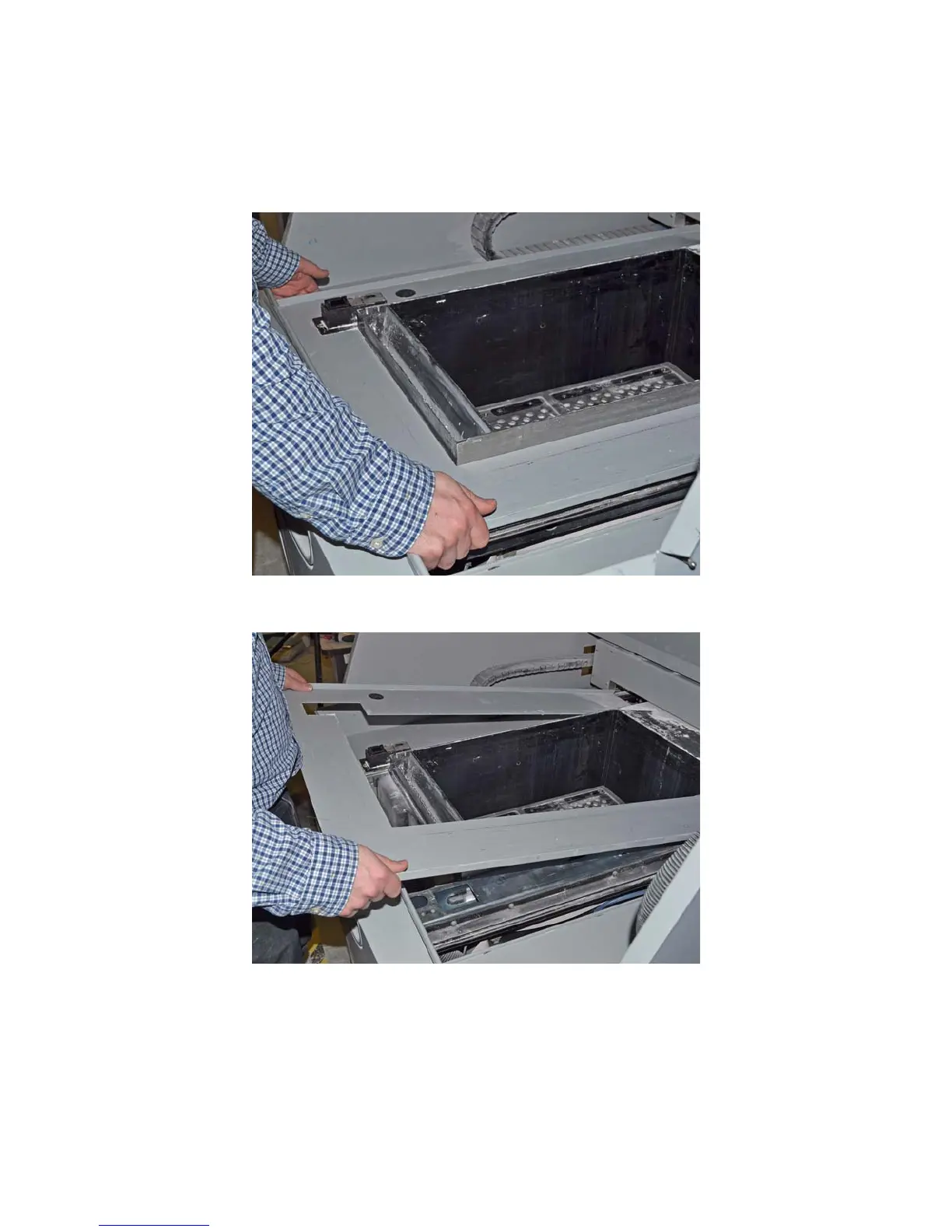
1. Unsnap the top deck from the chassis by pulling up at the front edge.
2. Lift up the front edge of the deck and slide the deck out toward you. Remove the deck from the printer.










 To Next Page