ProJet
®
x60Pro User Manual Routine Cleaning
3dscentral.3dsystems.com 35 All Rights Reserved
5/12/13
6. Wipe off any water or cleaning solution on the Wash Holes. Thoroughly wipe the Service Station clean.
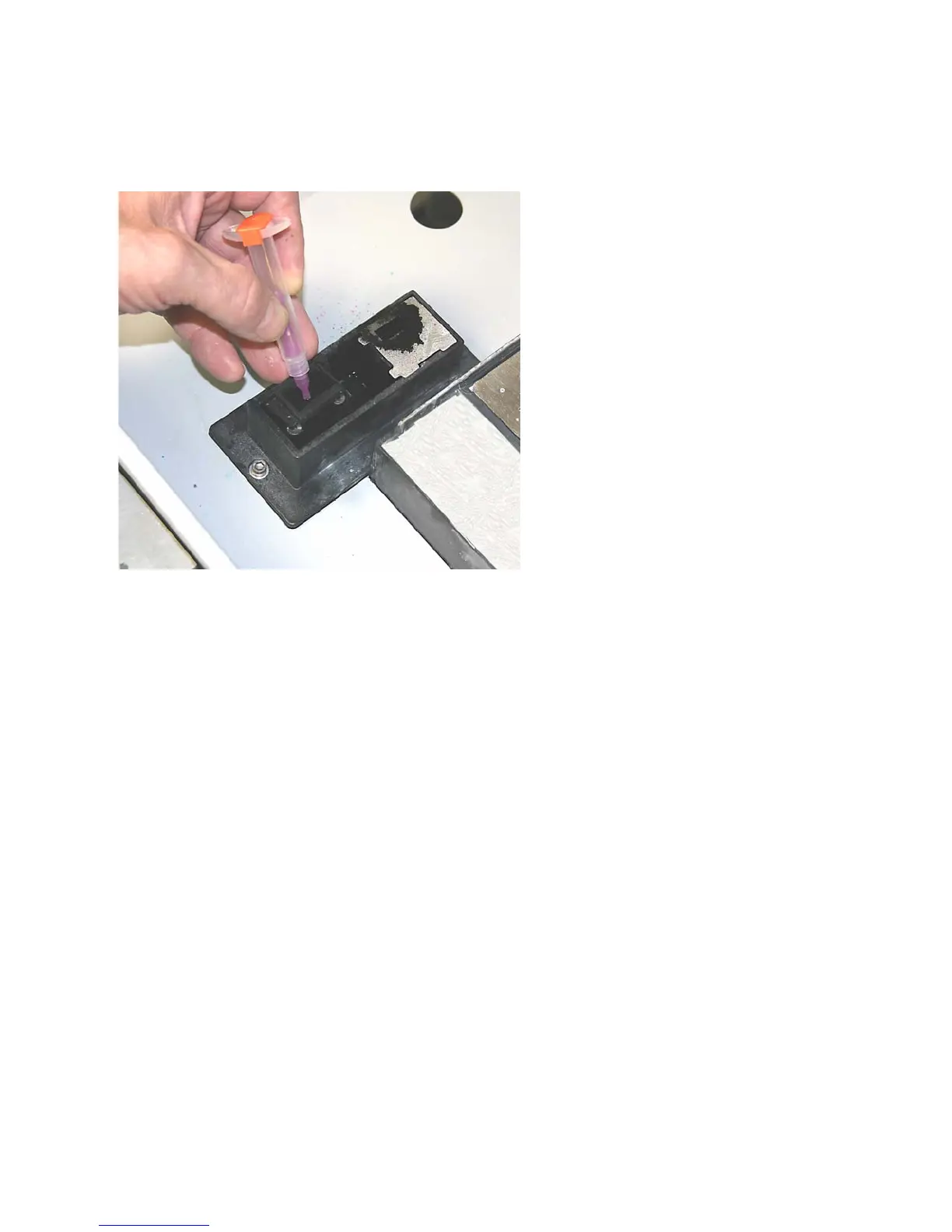
7. Install a needle onto the small syringe. Gently push the tip of the needle through each of the six Wash
Holes to clear them.
8. Wipe up any water that may have spilled onto the Deck or Build Bed.
9. Replace the spit plate, using the edge tabs for correct alignment.
10. Close the printer top cover.










 To Next Page