ProJet
®
860Pro User Guide Additional Operations
3dscentral.3dsystems.com 41 All Rights Reserved
5/12/13
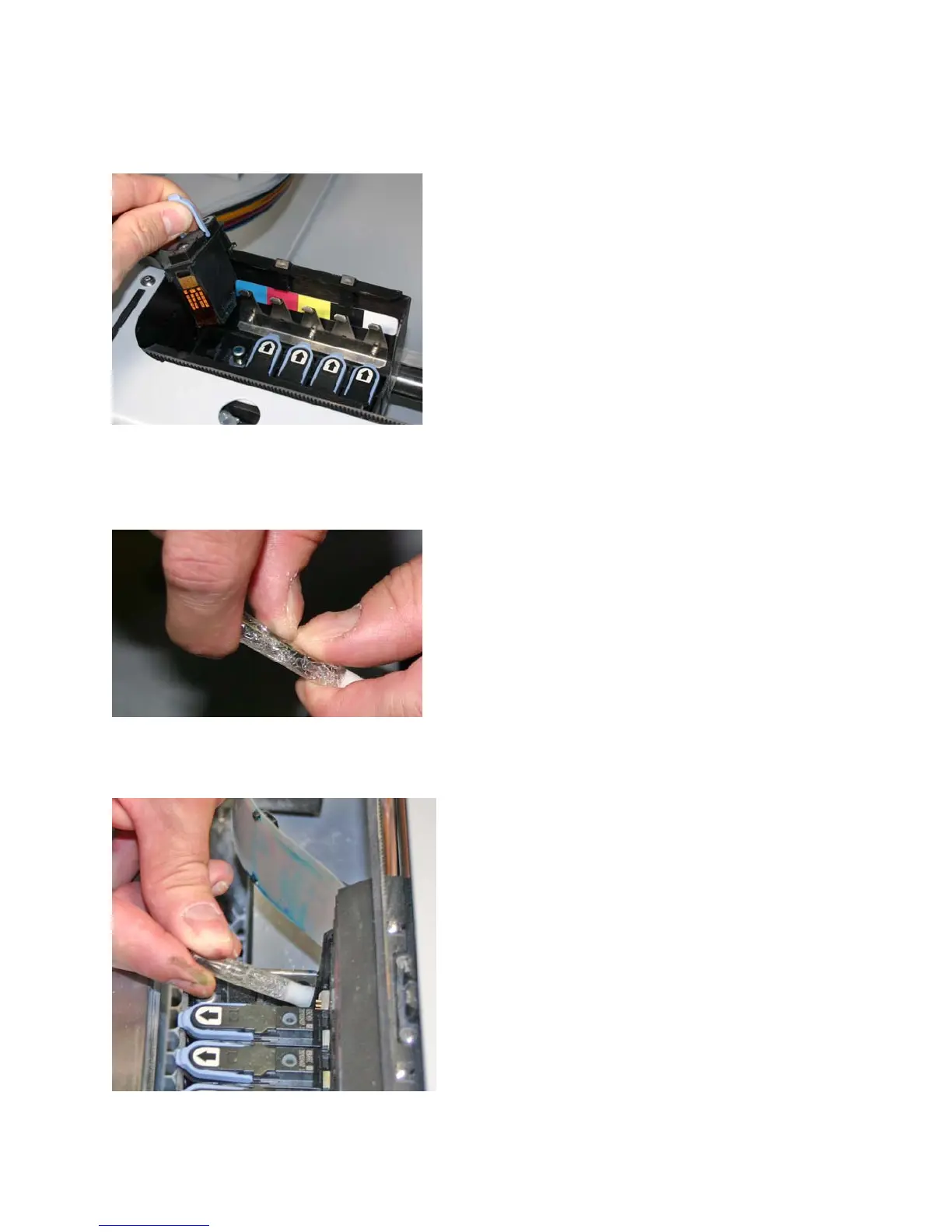
6. Lift the print heads to be replaced out of their slots and properly recycle or dispose of any empty car-
tridge(s).
7. Get an alcohol swab (included with your Startup Kit). Snap it to break the glass inside, and squeeze
the tube to saturate the swab
.
8. For each printhead being replaced, wipe off all the pogo pins (inside the carriage) with the alcohol
swab. Use additional swabs if needed.










 To Next Page