Service Manual FireCR
+
Computed Radiography Scanner
26 Parts Removal/Replacement | FireCR
+
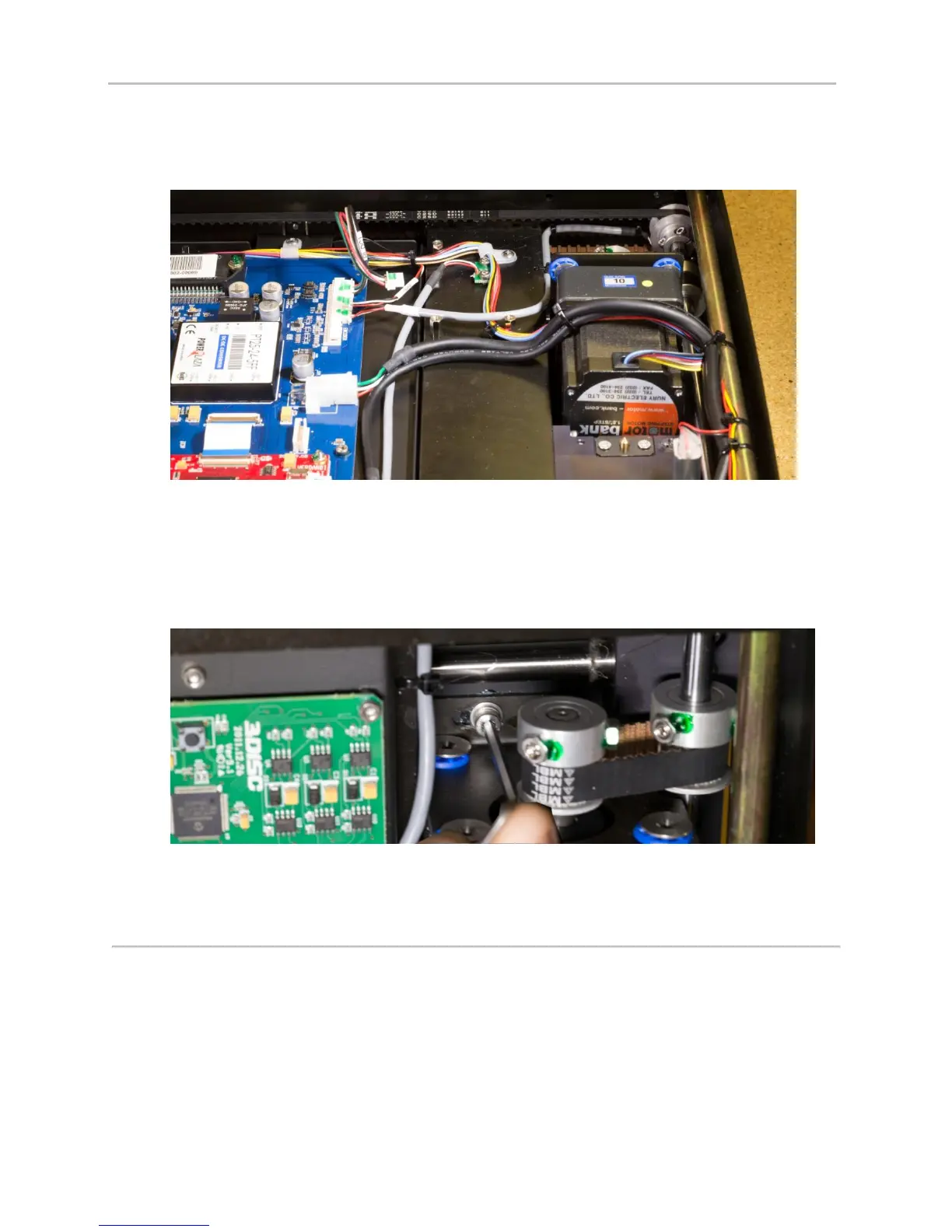
4. Take note of wiring harness routing under BLDC bracket.
5. Remove 2 cable clamps along the side of the scanner (#2 Phillips).
6. Unplug wire connector from Main Board.
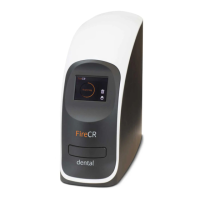
7. Loosen set screws on belt pulley on motor and axle.
8. Slide both pulleys toward side of scanner until motor pulley slips off end of shaft.
9. Remove 2 screws from Y-Axis bracket (3mm hex).
10. Lift out Y-axis motor.
11. Reinstall in opposite order.


 To Next Page