Service Manual FireCR
+
Computed Radiography Scanner
FireCR
+
| Parts Removal/Replacement 23
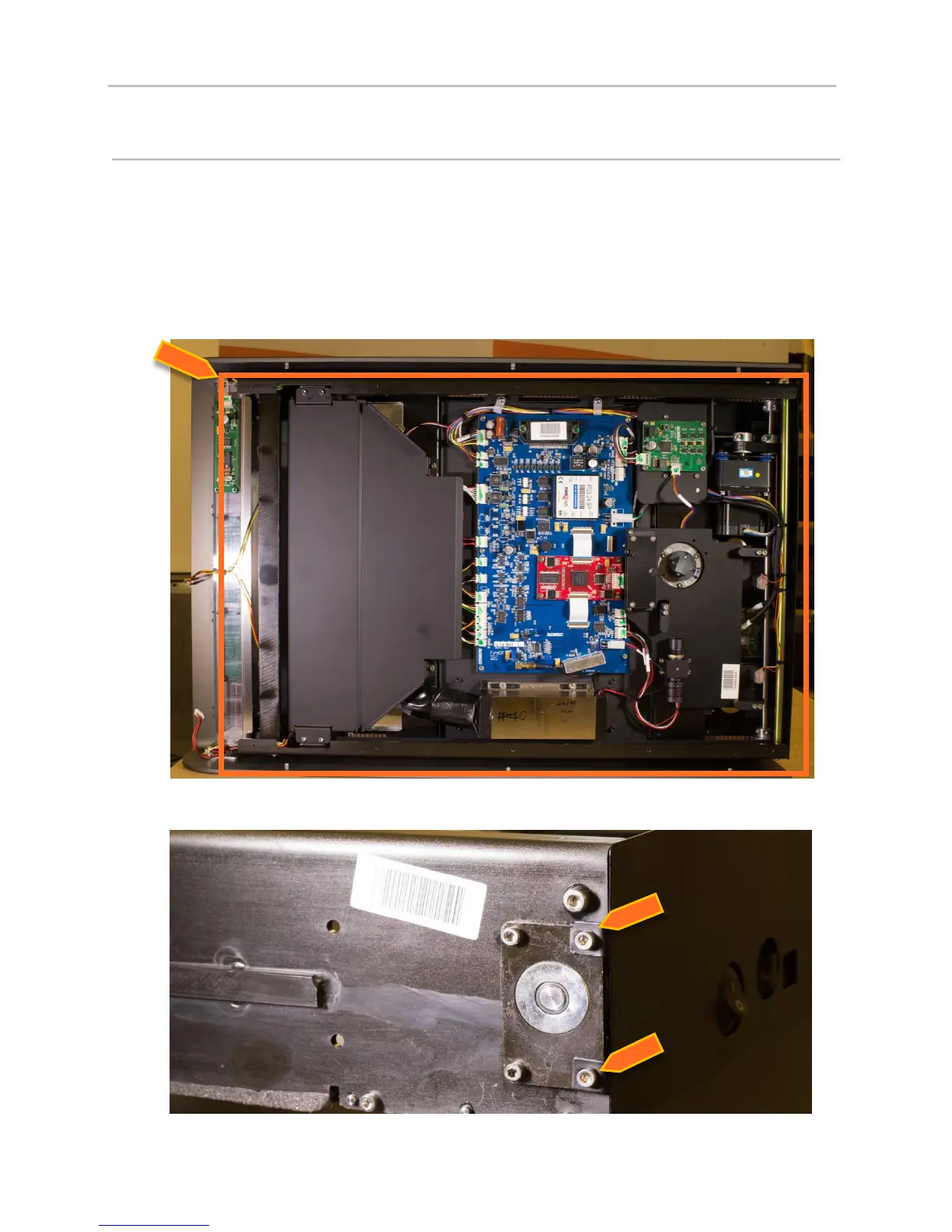
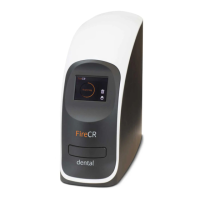
Aligner Motor
1. Remove Top Cover. (Pg. 14)
2. Remove Internal Cover. (Pg. 16)
3. Remove Optic Plate. (Pg. 22)
4. Remove internal frame from aluminum housing. (Pg. 30)
5. Remove back cover.


 To Next Page