Service Manual FireCR
+
Computed Radiography Scanner
32 Parts Removal/Replacement | FireCR
+
RFID Board
1. Remove the Top Cover. (Pg. 14)
2. Remove Internal Frame. (Pg. 30)
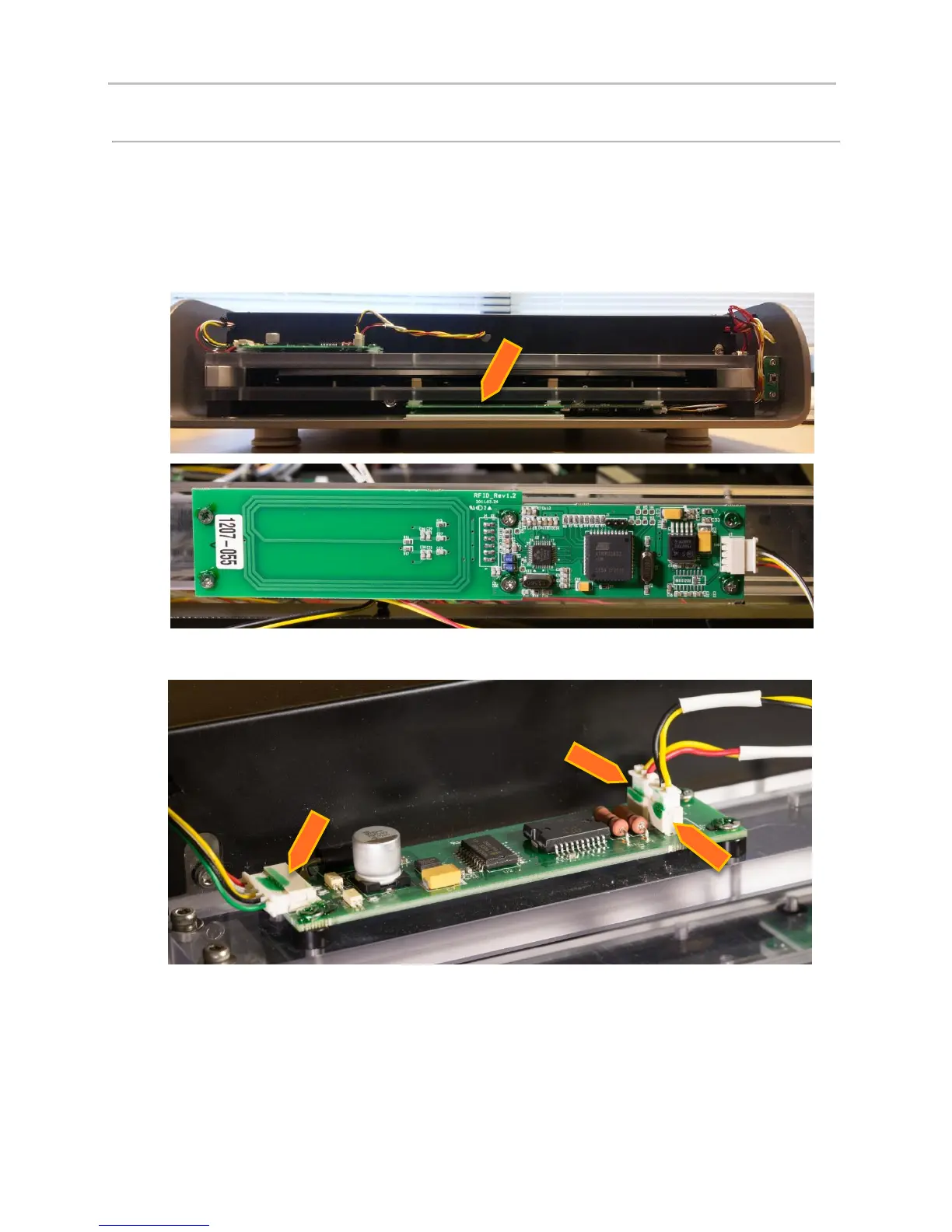
3. The RFID board is located in the front mouth of the Fire CR+.
4. Disconnect all three harnesses going to the cassette lock motor.


 To Next Page