12000 Pecos Street, Suite 290, Westminster, CO 80234 | www.3xlogic.com | (877) 3XLOGIC
INSTALLATION — PENDANT MOUNT
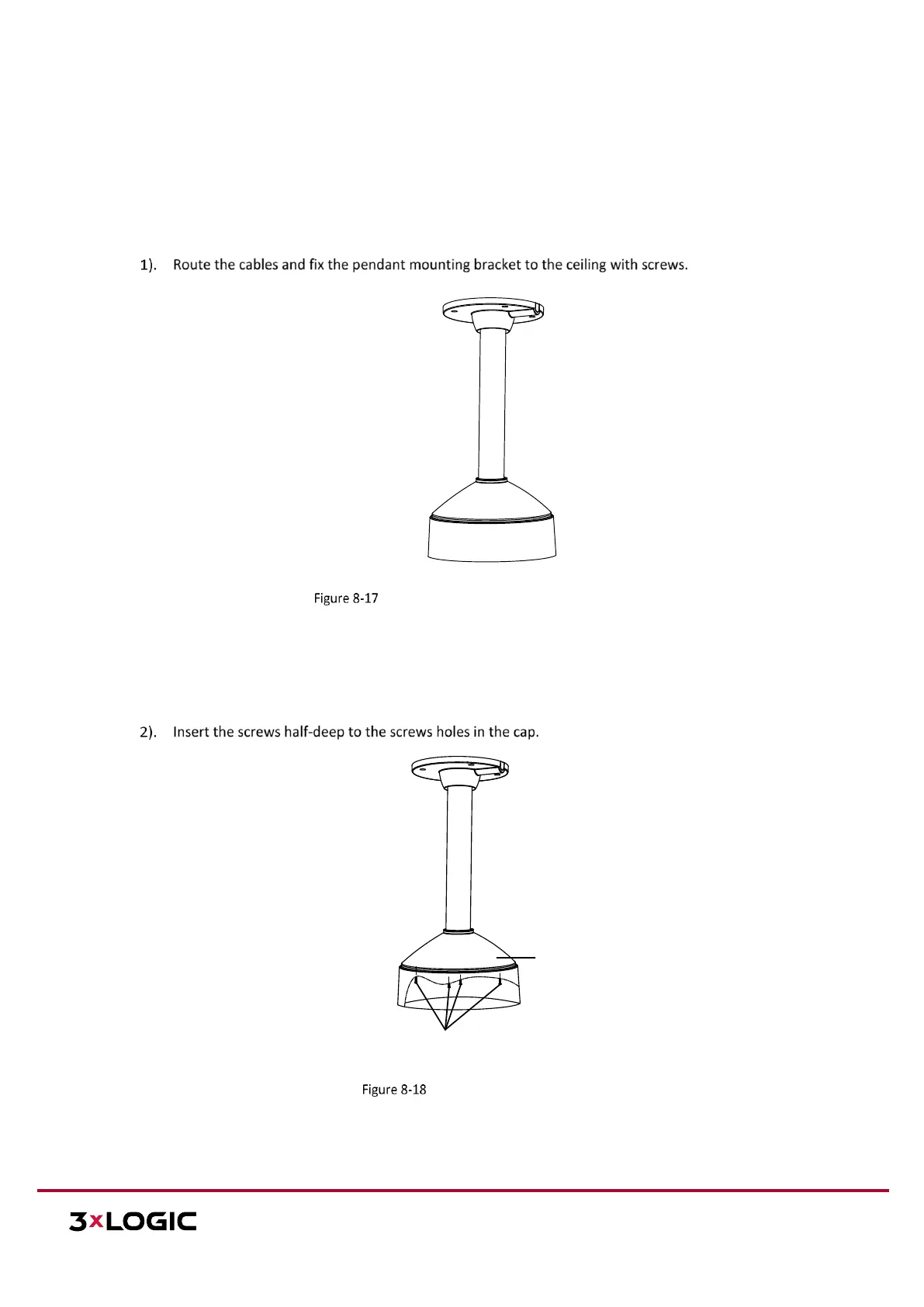
NOTE: Pendant mounting bracket is not included in the package. You need to prepare a pendant mounting
bracket if this mounting type is selected. The bracket shown in the following demonstration is only for
reference.
Steps:
Install the Pendant Mount Bracket
NOTE: Please insert the expansion screws first if the camera is mounted to the cement ceiling, and you can use
the self-tapping screws directly if camera is mounted to the wooden ceiling.


 To Next Page
 Loading...