DIGITAL VIDEO RECORDER MANUAL
DIGITAL VIDEO RECODER MANUAL
16
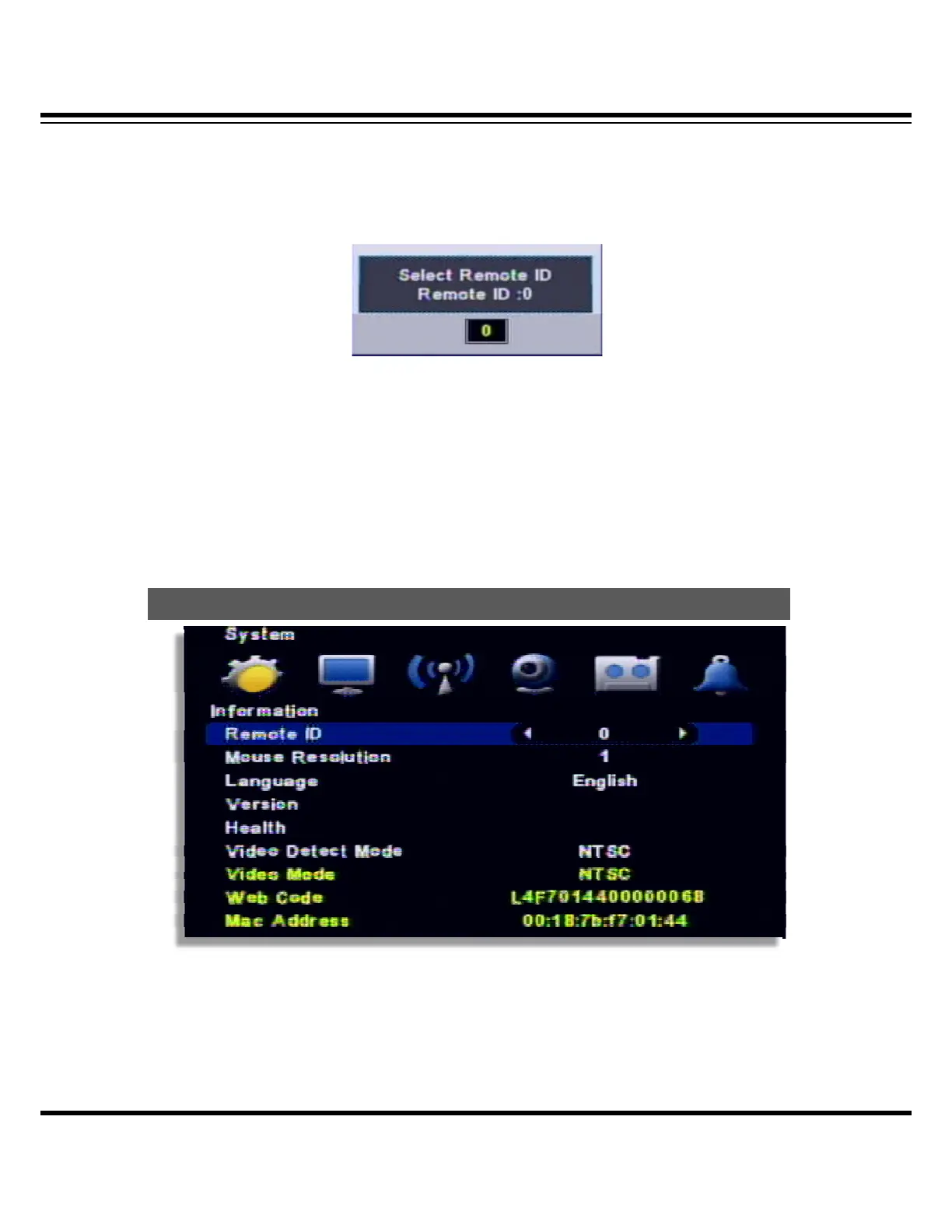
[2] How to use remote controller
ID must be identified between remote controller and system. Otherwise remote controller
cannot recognize DVR correctly.
[3] Remote controller ID menu displays as above image when you click ID button of remote
controller.
∙ Remote ID : It displays current ID of the system.
∙ “00” : Input the same ID number of DVR and press “Confirm”
4 — System configuration
[1] Remote ID : Assign the ID of remote controller, so that user can separately control multiple
DVR unit with one controller. (ID range: 0 ~ 99)
[2] Mouse Resolution : Mouse sensitivity level can be adjusted at user’s convenience.
(Basic Level 1; Slow speed, Level 1 < Level 2 < Level 3 to increase reaction speed.)
S
stem



 To Next Page