DIGITAL VIDEO RECORDER MANUAL
DIGITAL VIDEO RECODER MANUAL
36
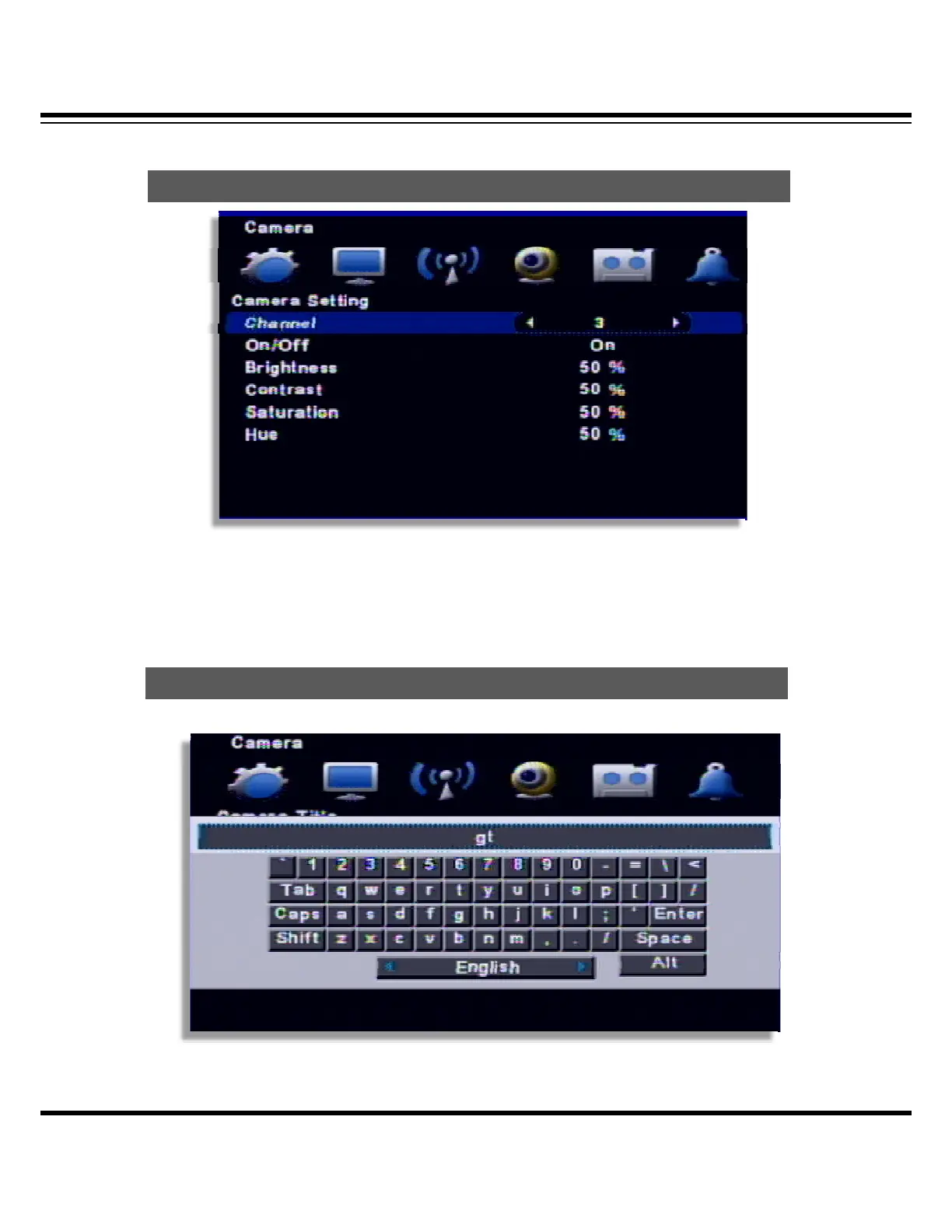
7 — Camera Setup
• Channel : Select the channel to set
• On/Off : Select whether you use the channel or not
• Brightness / Contrast / Saturation / Hue : Adjust the image of the selected (Default : 50%)
Input a camera title
Multi-language keyboard is supported
Camera
Camera Title



 To Next Page