DIGITAL VIDEO RECORDER MANUAL
DIGITAL VIDEO RECODER MANUAL
21
Firmware
USB Memory Stick
[NOTE] Do not turn off power or remove USB stick while the upgrade is in progress.
[2] Configuration Backup : Save a configuration file of DVR.
[3] Configuration Load : Upload a configuration file to DVR.
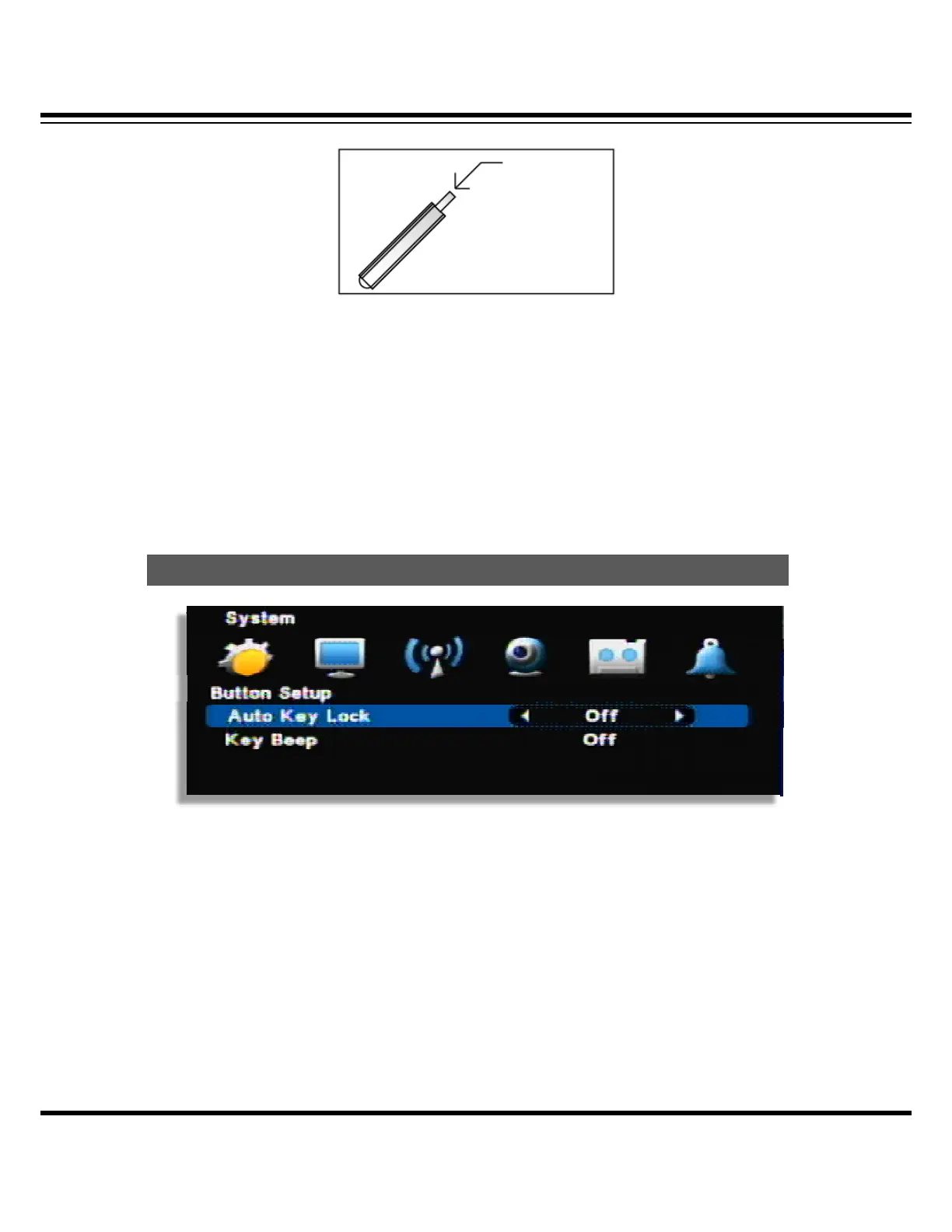
• Auto key lock : There is no key input during specific time, system locks the button automatically.
In order to unlock, input the password. ( 10 sec. 30 sec. 1 min. OFF)
• Key Beep : If you select ON, beep sound occurs
Button Setu



 To Next Page