DIGITAL VIDEO RECORDER MANUAL
DIGITAL VIDEO RECODER MANUAL
23
[1] Camera Title : ON / OFF
[2] Status Bar : ON / OFF.
[3] Multi screen Border : ON / OFF
[4] Login Display : Select a login option
• As Per Last Login : Display live image after system rebooting.
• Cover All Camera : Do not display live image after system rebooting.
[5] Log in menu : Select a log in option.
• Always from boot : Input the password after rebooting.
• Boot after lock : Auto login after rebooting.
[6] Alphablending : Select the transparency level of menu background.
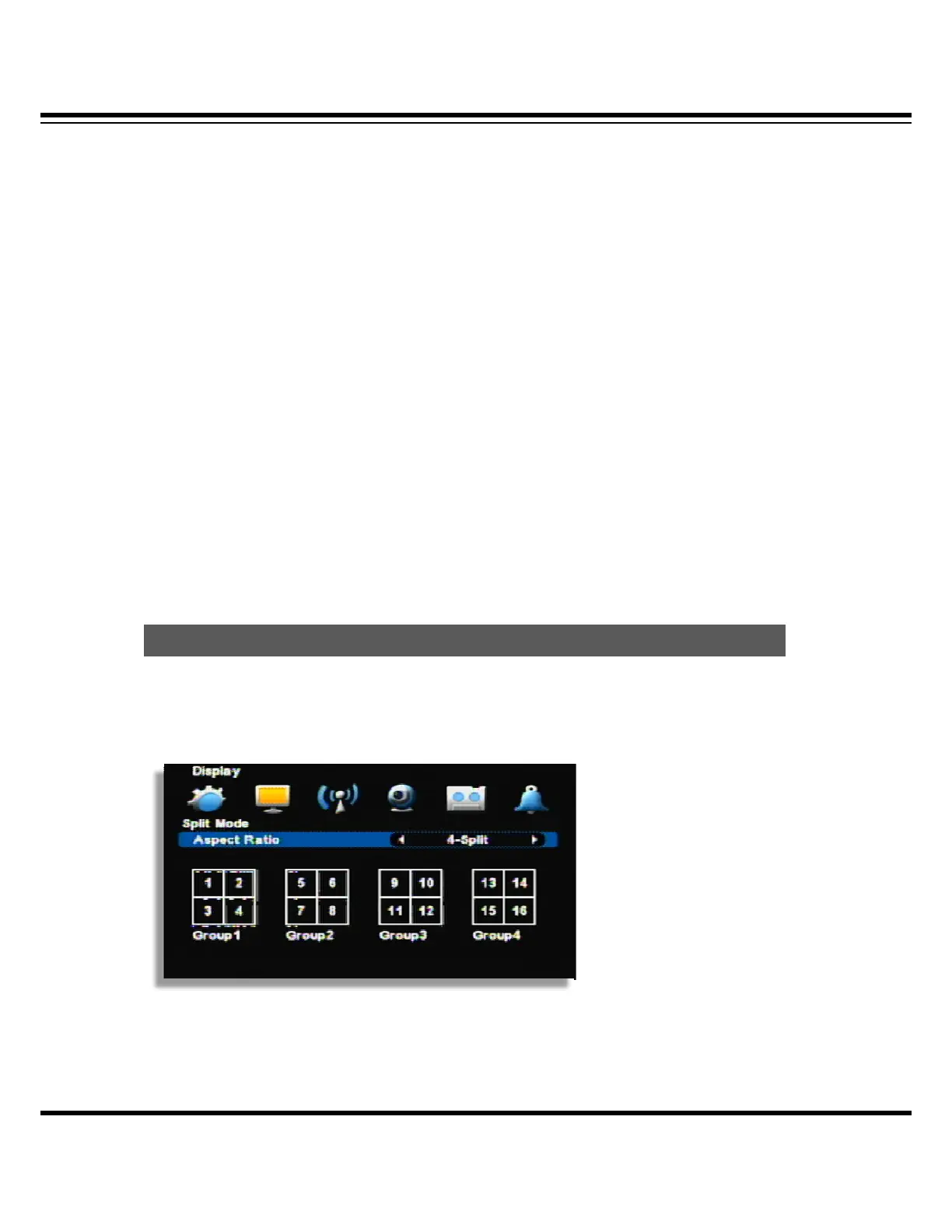
Channel can be switched into another by selecting split mode or a channel.
Channel display can be different per each model
[4 Split]
Displayed in 4/8/16ch
SPLIT MODE



 To Next Page