DIGITAL VIDEO RECORDER MANUAL
DIGITAL VIDEO RECODER MANUAL
44
9 — Event Setup
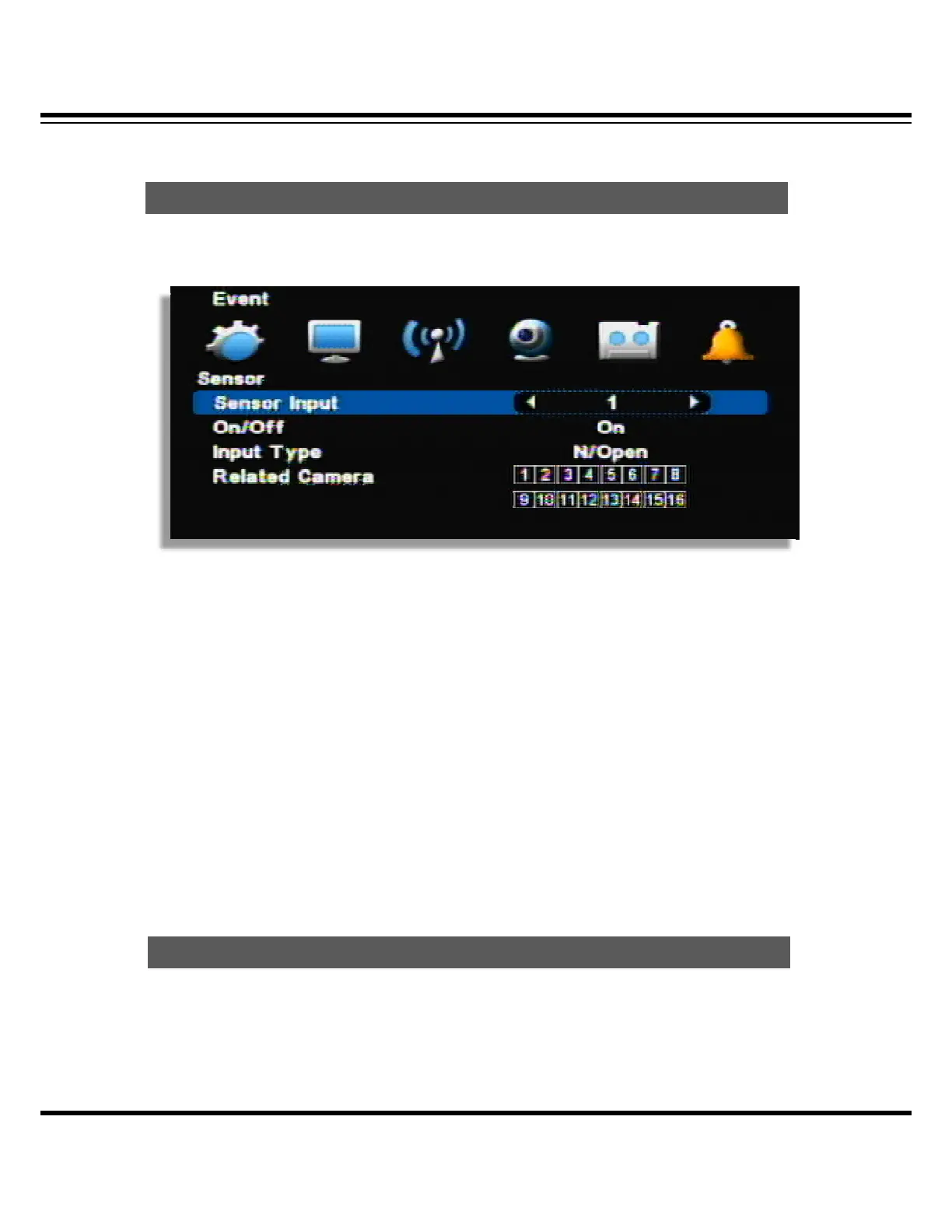
It is for sensor setup.
(Channel display could be different per model 4ch/8ch/16ch)
[1] Sensor Input : Select the sensor input channel.
[2] On/Off : Select the sensor usage.
[3] Input Type: Select the sensor input type.
• N/Open (NORMAL OPEN) : The contact is normally opened but closed when the signal is
generated.
• N/Close (NORMAL CLOSE) : The contact is normally closed but opend when the signal is
generated.
[4] Related camera: Select the camera to be related with sensor. Multi-selection is possible.
It is the motion detection setup menu.
Motion Detection
Sensor



 To Next Page