DIGITAL VIDEO RECORDER MANUAL
DIGITAL VIDEO RECODER MANUAL
45
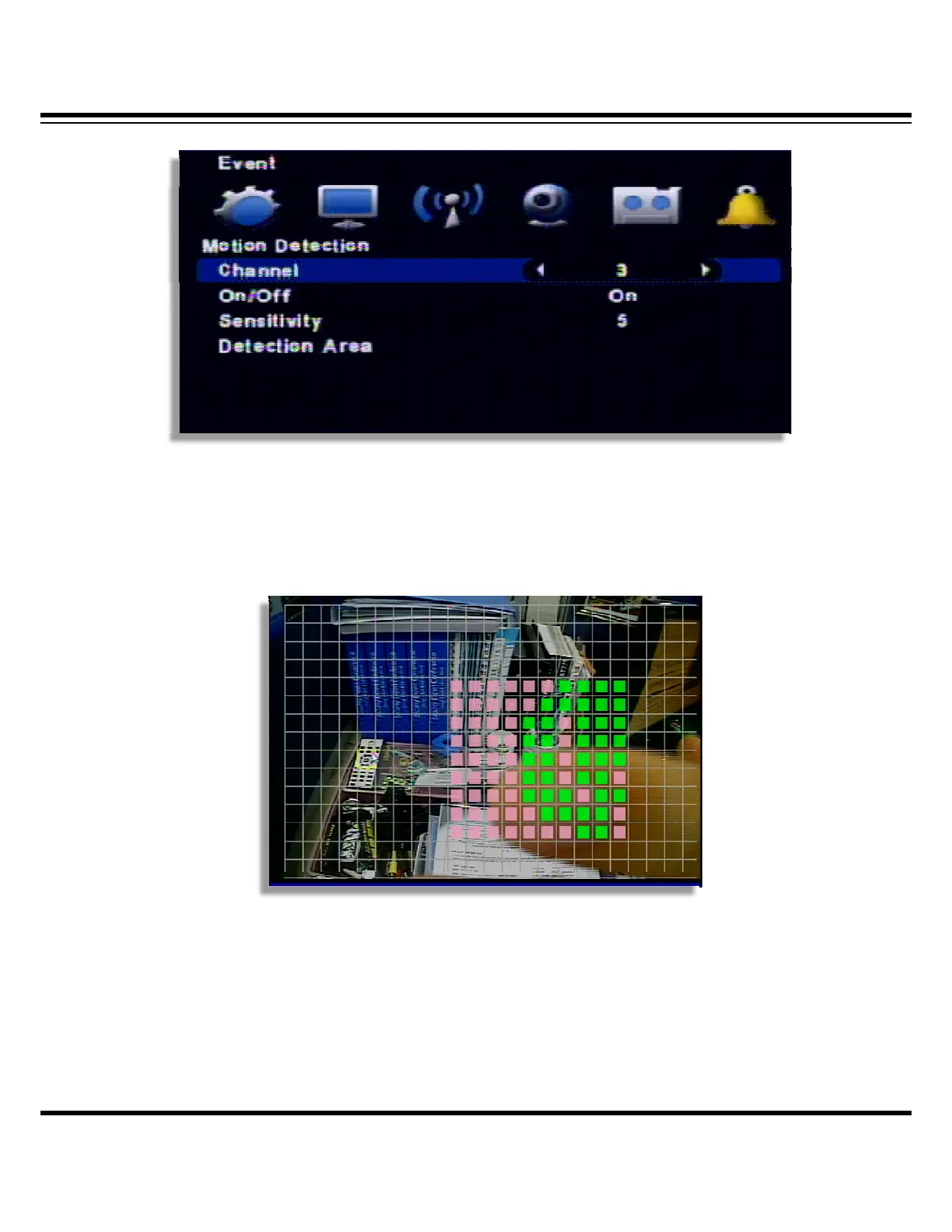
▷ Channel : Select the motion detection channel.
▷ On/Off : Select the motion detection usage.
▷ Sensitivity : Select the sensitivity of motion detection. Please apply it after the actual testing.
▷ Detection Area: Select the motion detection area. ( 1~5 )
The cursor moving by the direction key and if press “enter”, this block is designated for motion
detection.
• MD selected area : Pink color
• MD non-selected area : Transparent
• If the movement is detected, the color of that area turns green.
[ Apply to all ] If you use the following key, you can apply or release in one button
“No1” button: Release all “No 2” button: Select all.



 To Next Page