DIGITAL VIDEO RECORDER MANUAL
DIGITAL VIDEO RECODER MANUAL
49
10 — SEARCH
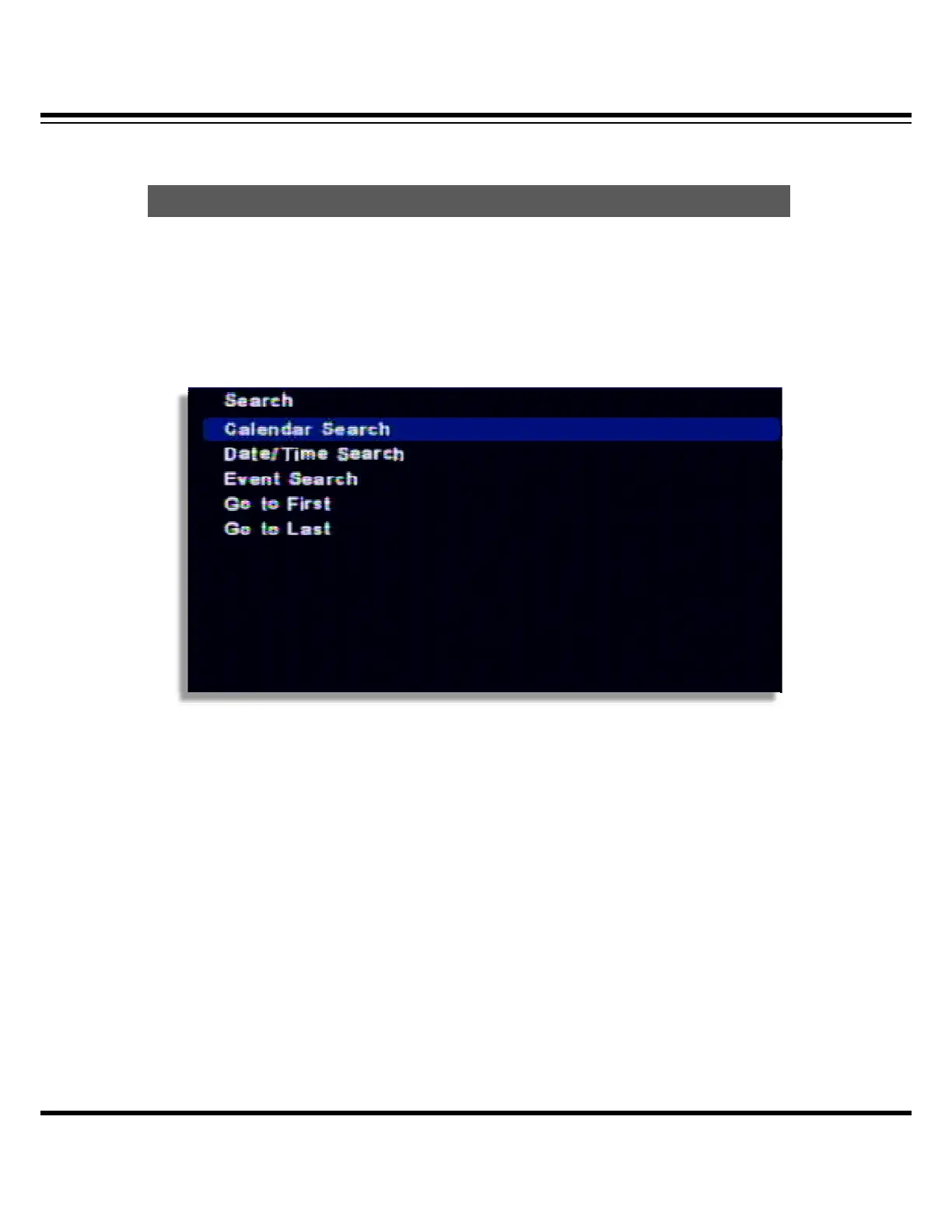
It supports the various ways of search mode such as Calendar, Date/Time, Event, etc.
[1] How to call menu : Select the “SEARCH” from remote controller and right button of mouse.
[2] Search mode selection
· Calendar search: It searches by calendar.
· Date /Time search: It searches specific Date/Time.
· Event search: It searches as per the event.
· Go to first : It searches the first recorded data on HDD.
· Go to last : It searches the last recorded data on HDD.
Calendar search
It searches using by the calendar.
[1] If there is the recorded data on DVR, it shows red color on recorded date. Using the direction
key, you can change the YEAR/MONTH/DATE.
Search



 To Next Page