DIGITAL VIDEO RECORDER MANUAL
DIGITAL VIDEO RECODER MANUAL
59
12 — Remote Connection-iPhone
12-1 Program Installation
Go to Apple Store website and search and download MPRMS. Then install the MPRMS.
12-2 Program Execution
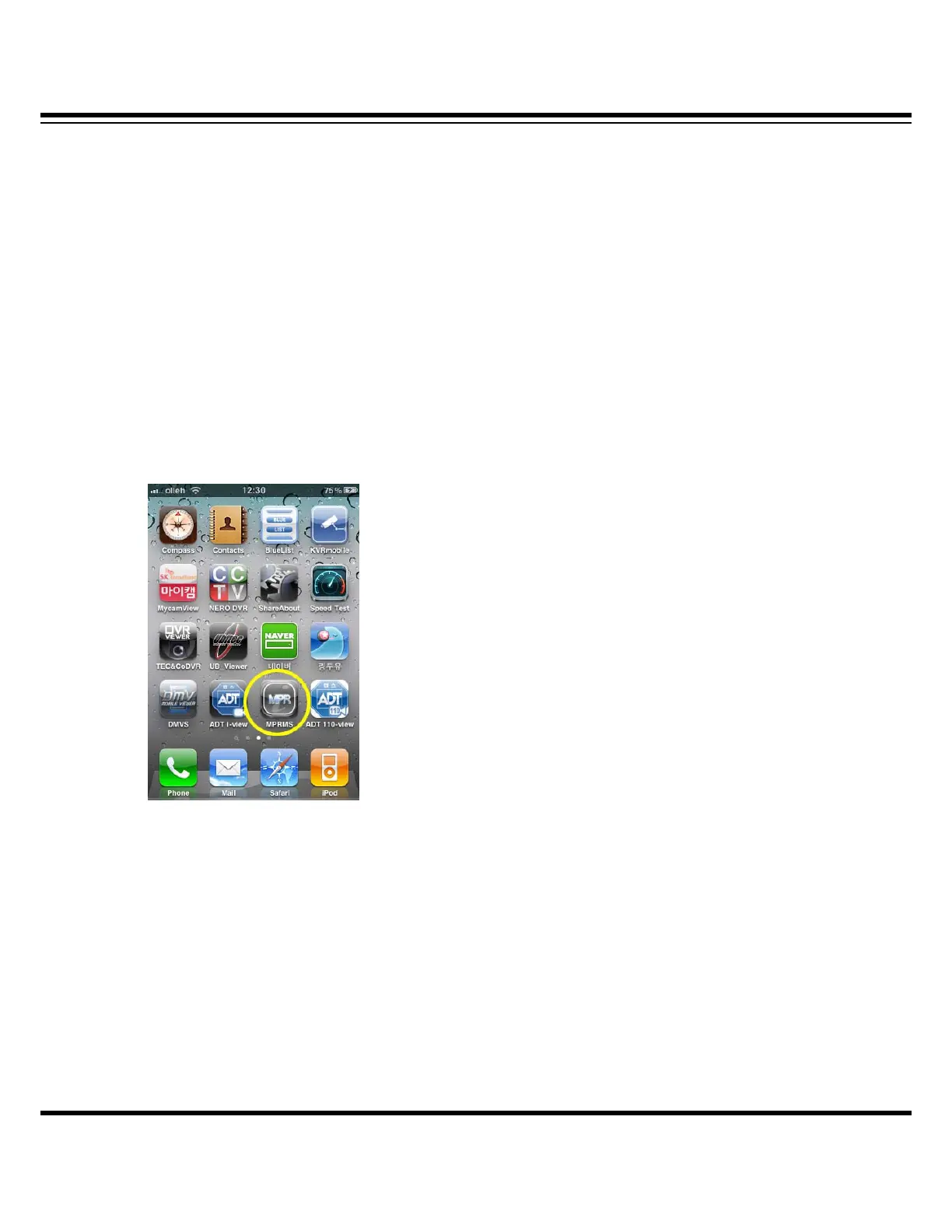
When the installation is completed, the following icon is created.
Select the Icon and execute it.
12-3 Product Information Registration
Input network information in order to access the DVR a user has.



 To Next Page