DIGITAL VIDEO RECORDER MANUAL
DIGITAL VIDEO RECODER MANUAL
46
[Using mouse]
Locate the pointer on start point and click the right button then dragging to the ending point.
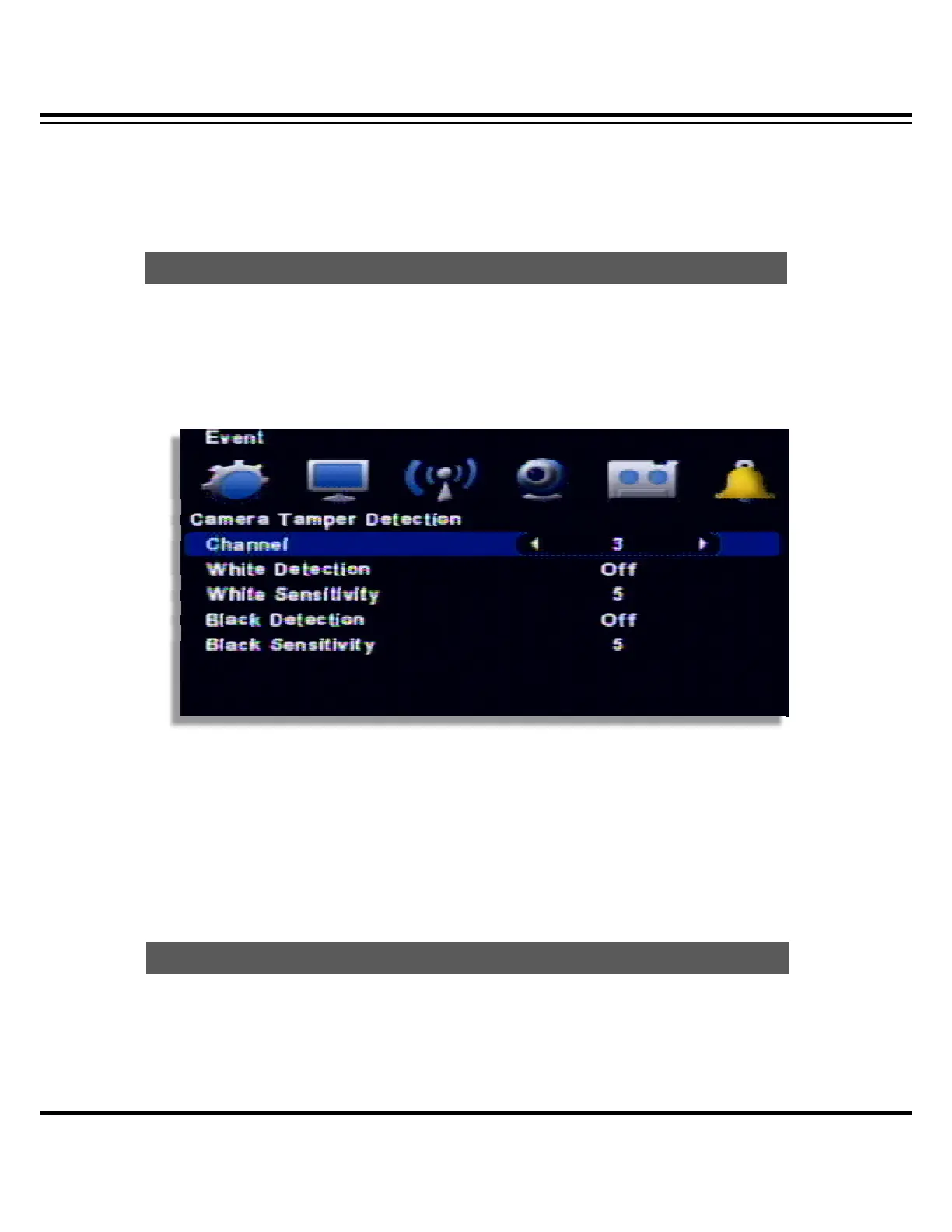
If there is the extra ordinary bright or, dark, it recognize as an event.
If it turns bright by opening the door/window or if somebody painted the camera, it detects as an
event.
( This function is operating by using the dual monitor and output is made through VGA)
[1] Channel : Select the channel to use.
[2] White Detection : Detecting the brightening.
[3] White Sensitivity : Detecting the sensitivity of brightening.
[4] Black Detection : Detecting the darkness
[5] Black Sensitivity : Detecting the sensitivity of darkness.
Event record will be made as per the setup.
CAMERA TEMPER DETECTION
EVENT ACTION



 To Next Page