DIGITAL VIDEO RECORDER MANUAL
DIGITAL VIDEO RECODER MANUAL
54
11 — Backup
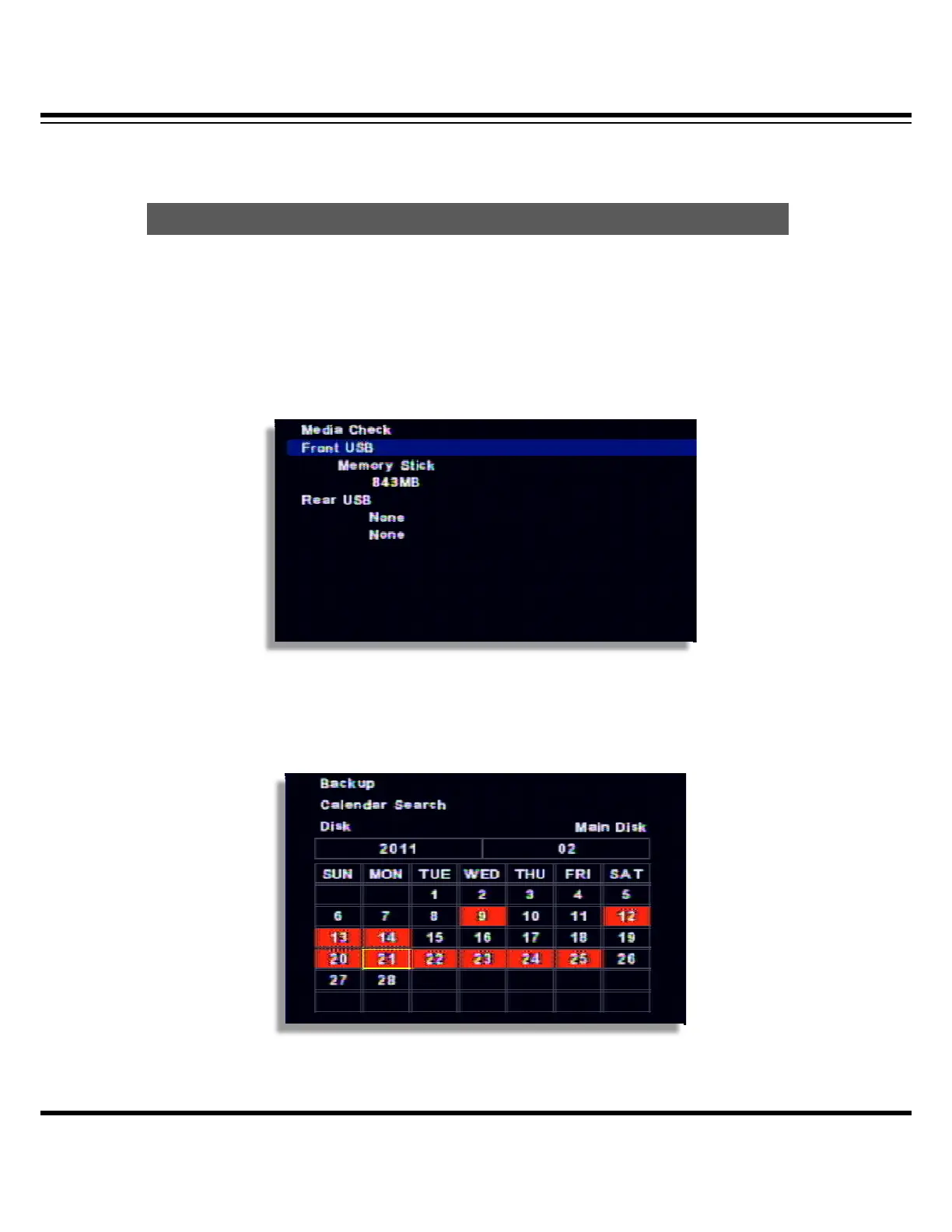
Selected image can be backup to the external device(USB). Connect the USB pen drive to the DVR
and select ‘BACKUP’ button from remote controller or, click the right button of mouse.
[1] Select the recognized backup device. If it recognized normal, it shows the device capacity
such as ”XXX MB”.
[2] Select the date from Calendar.
Backu



 To Next Page