DIGITAL VIDEO RECORDER MANUAL
DIGITAL VIDEO RECODER MANUAL
55
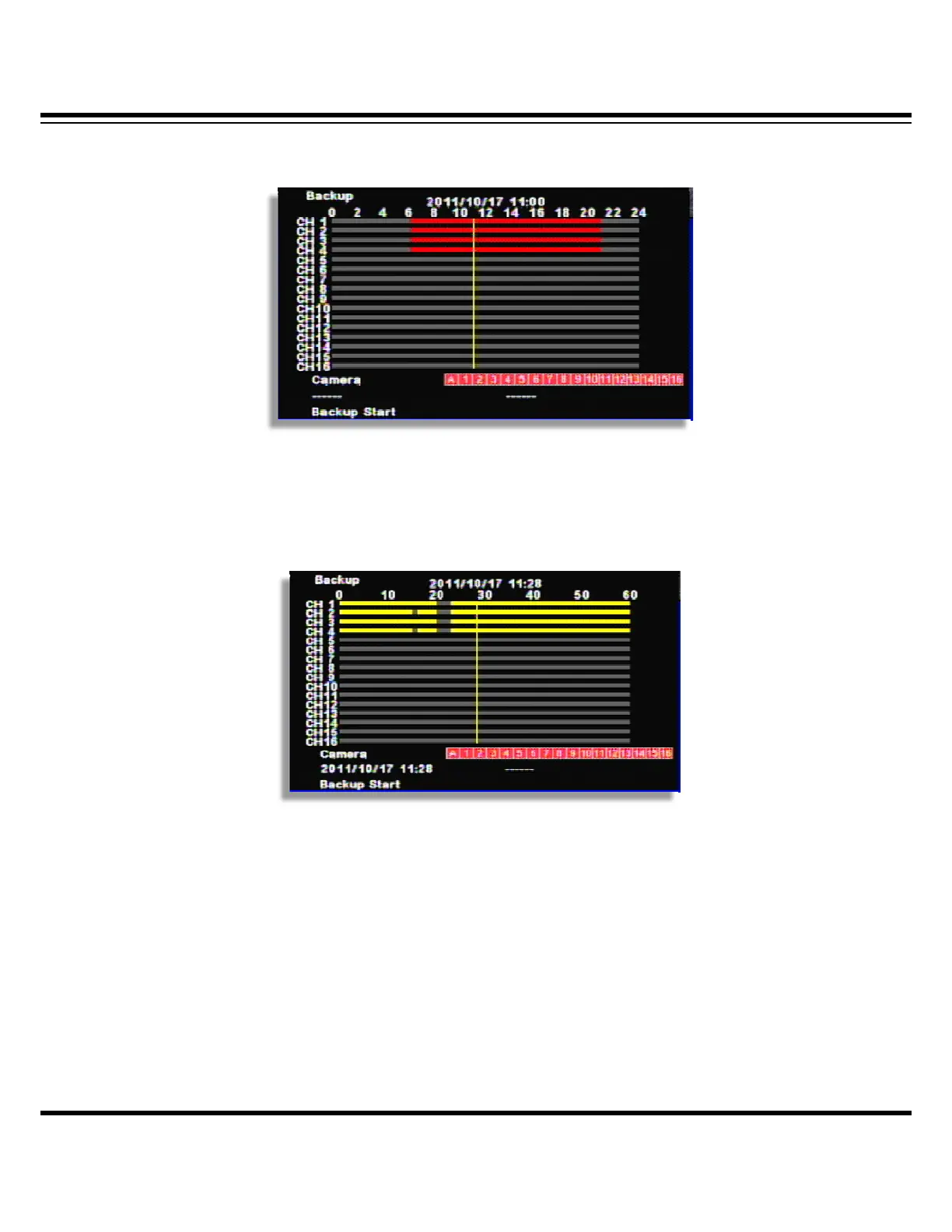
[3] Select the time by double click.
(Channel display could be different per model 4ch/8ch/16ch)
[4] Select the minute. Once you select “--------“, the time will be automatically input.
(Channel display could be different per model 4ch/8ch/16ch)
[5] Backup end time selection
• If the backup end time is the same hour, select the minute and click, “-------“, the time
will be automatically input.
• If the backup end time is the different hour, go back to the previous menu by right
button of mouse or, “MENU” button. Then, select the hour/minutes and click “-------“
for automatic time input.



 To Next Page