DIGITAL VIDEO RECORDER MANUAL
DIGITAL VIDEO RECODER MANUAL
56
(Channel display could be different per model 4ch/8ch/16ch)
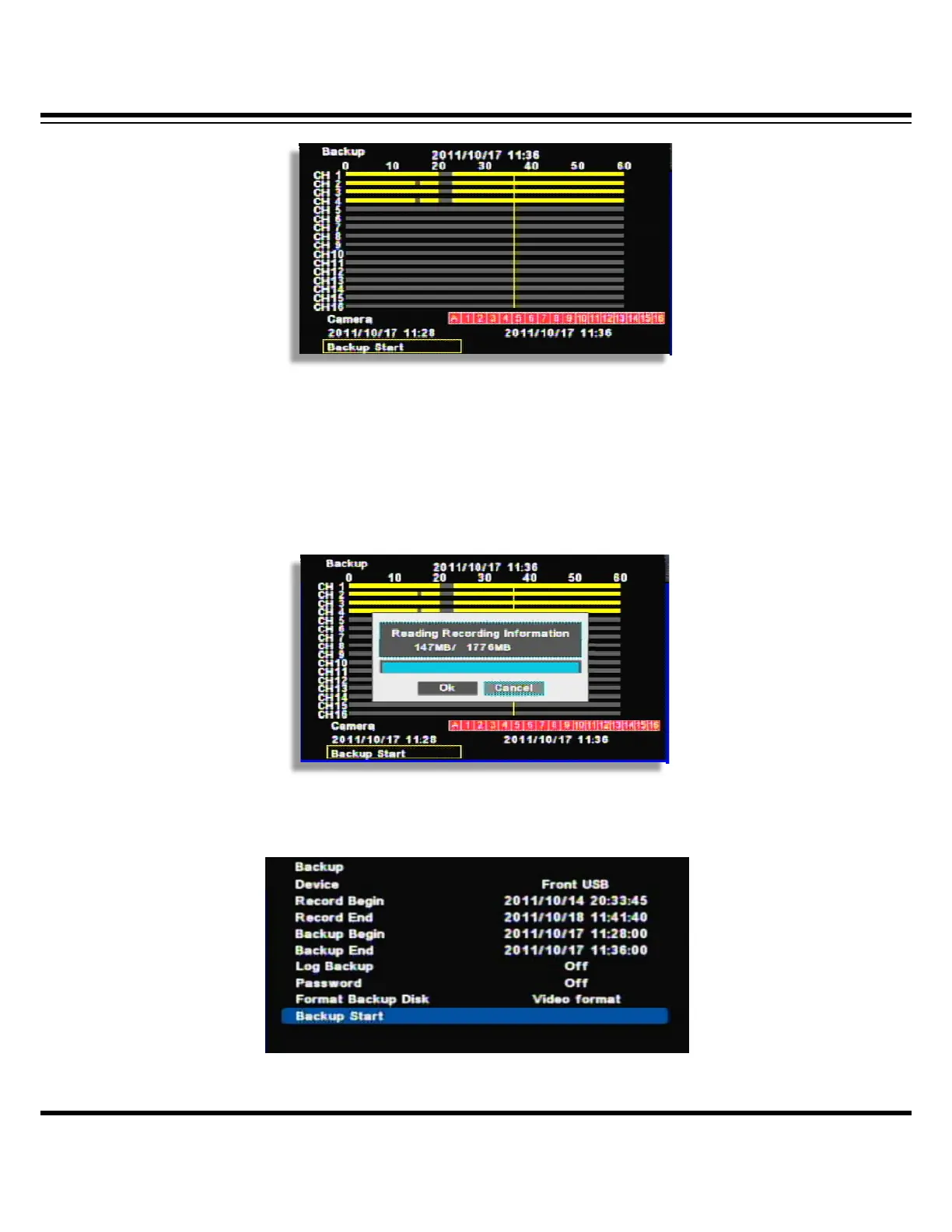
[6] Camera : Select the channel to be backup.( Selected channel will be shown as red)
[7] Backup Start : If all setup is completed, click the ‘Backup start’ button then, backup starts.
It shows the backup capacity/ USB pen drive capacity“ so, if everything is OK, click ‘OK’.
[8] Before backup, it shows the USB port, backup time then, select OPTION.



 To Next Page