DIGITAL VIDEO RECORDER MANUAL
DIGITAL VIDEO RECODER MANUAL
43
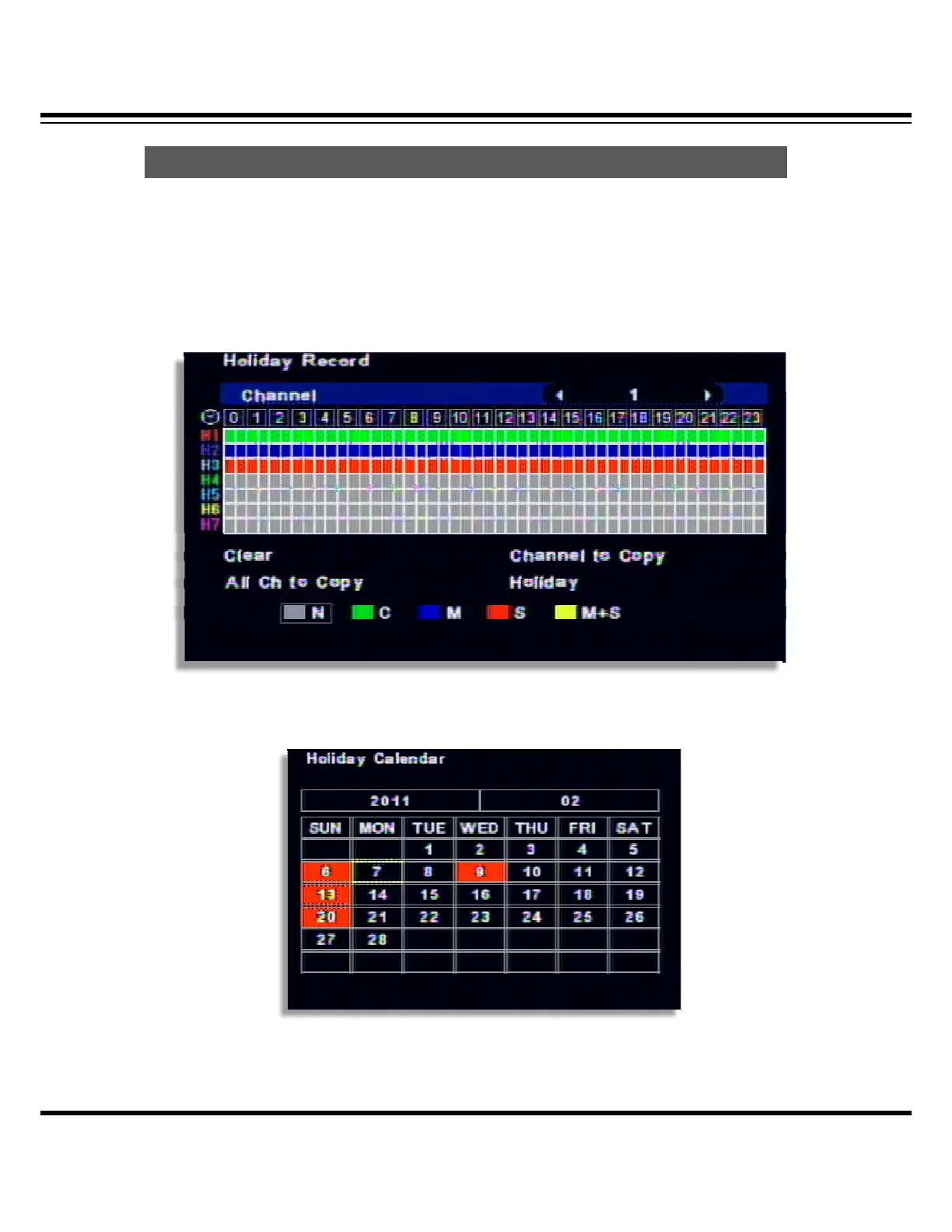
Different record can be applied as per different holiday.
[1] 7 different holiday setup can be made.
After selecting the recording type from H1 ~ H7, set by mouse dragging or direction key of
remote controller
[2] Select the Holiday from the menu and select the holiday type from H1~H7.
Once you click the date, every times you click, the holiday color will be changed, which means the
different record setup.
Holida
Record



 To Next Page