DIGITAL VIDEO RECORDER MANUAL
DIGITAL VIDEO RECODER MANUAL
51
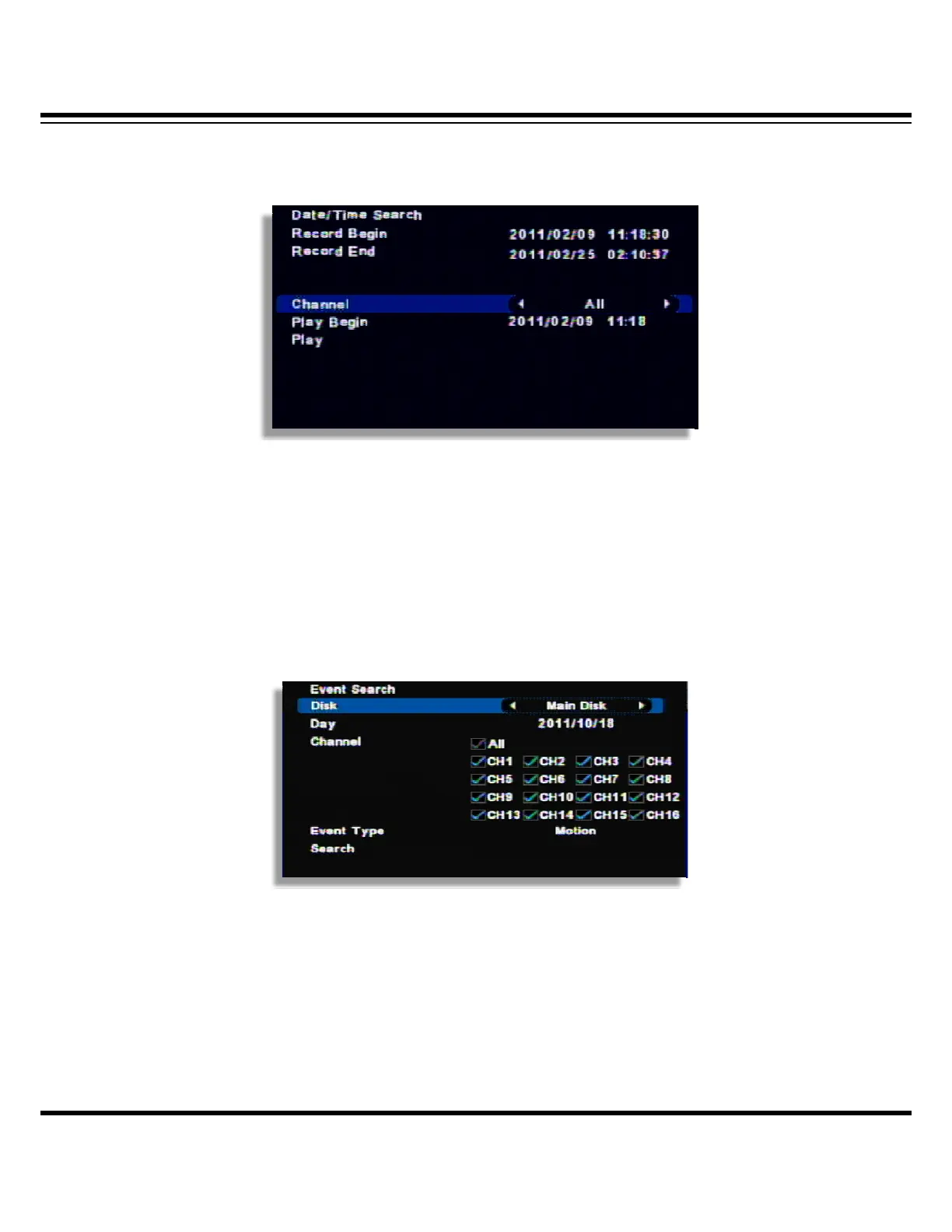
Date/Time search
If you know the specific date/ Time, input the time to search.
[1] Record begin : It shows the record began time.
[2] Record end : It shows the record end time.
[3] Channel : Select the channel to search.
[4] Play Begin : Input the time to search.
[5] Play : If you click “Play”, it playback the selected time.
Event search
It searches event recorded data.
(Channel display could be different per model 4ch/8ch/16ch)
[1] Select the disk to search
[2] Day : Select the day to search.
[3] Channel : Select the channel to search.
[4] Event Type : Select the type of event(MD/Sensor/Video Loss / System/all).
[5] Search : If you click “Search”, it shows the event list and if you click, it playback the relevant
image.



 To Next Page