DIGITAL VIDEO RECORDER MANUAL
DIGITAL VIDEO RECODER MANUAL
50
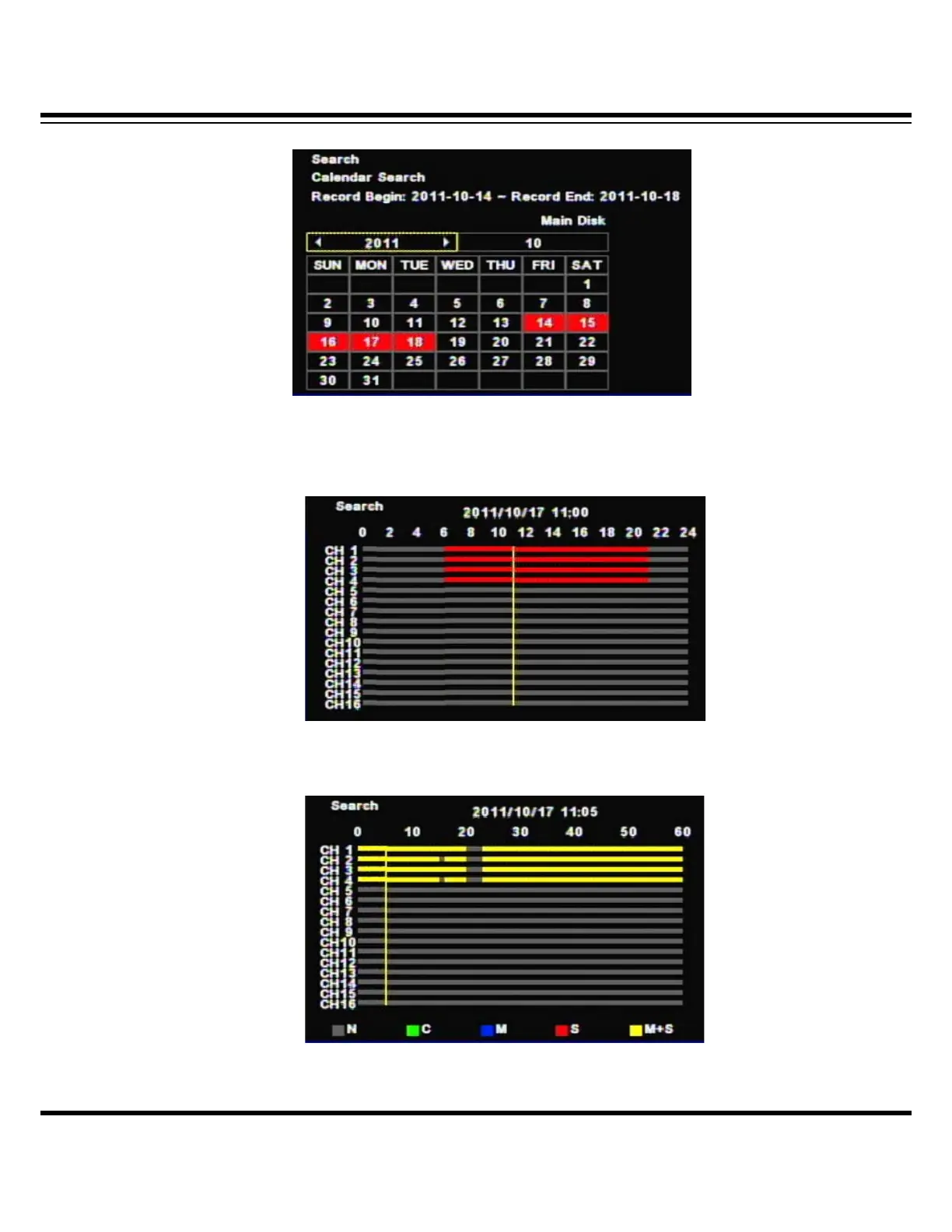
[2] If there is the recorded data, it shows red color so, press the enter button on selected
date.
(Channel display could be different per model 4ch/8ch/16ch)
[3] The recorded data shows as a graph and select the minutes to search.
(Channel display could be different per model 4ch/8ch/16ch)



 To Next Page