DIGITAL VIDEO RECORDER MANUAL
DIGITAL VIDEO RECODER MANUAL
40
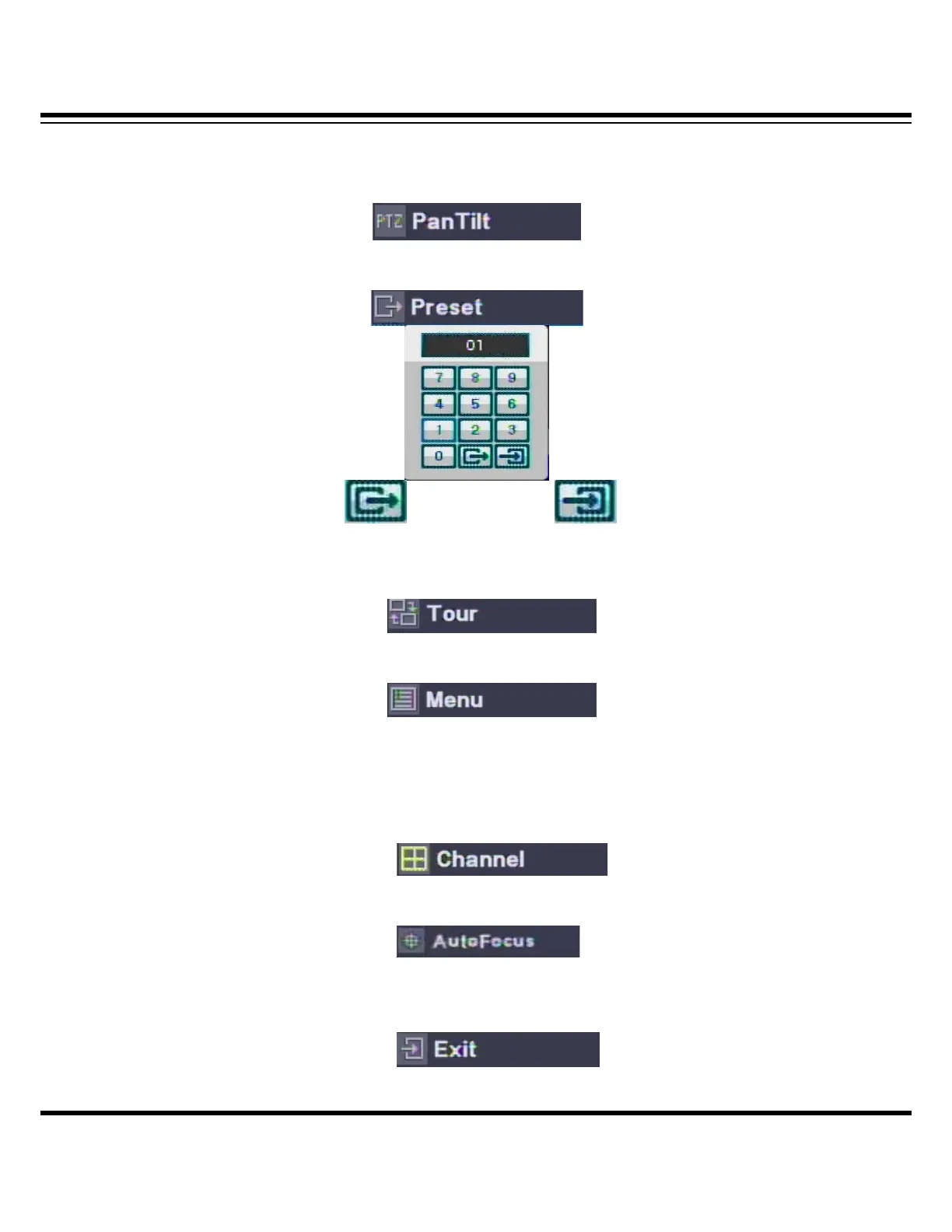
[ PTZ control menu ]
ㅇ PanTilt : Control the direction by the direction key in remote controller.
ㅇ PRESET = Input the preset number to be moved or saved and select this menu.
(Preset moving) (Preset saving)
ㅇ Tour : It tours as per the saved preset number.
ㅇ MENU : It can recalls the PTZ camera OSD menu
ㅇ Channel: It is for changing the PTZ channel from the multi channel viewing. Once you
select the ‘CHANNEL’ menu, select the channel to apply the PTZ by moving the direction
key and, if you click the CHANNEL again, the PTZ applied channel selection is
completed( It applies only on multi split channel)
ㅇ AutoFocus : Adjust the focus automatically
ㅇ Exit : Escaping the PTZ mode



 To Next Page