DIGITAL VIDEO RECORDER MANUAL
DIGITAL VIDEO RECODER MANUAL
75
Click the “Preset” tap to set up the preset of camera.
• P1~P16 : Select a number.
• MOVE / SET
◎ MOVE : After selecting a number among from P1~P16,
press “SEND” to move camera location.
◎ SET : After selecting a number among from P1~P16,
press “SEND” to set a location of camera.
13-9 Alarm Control
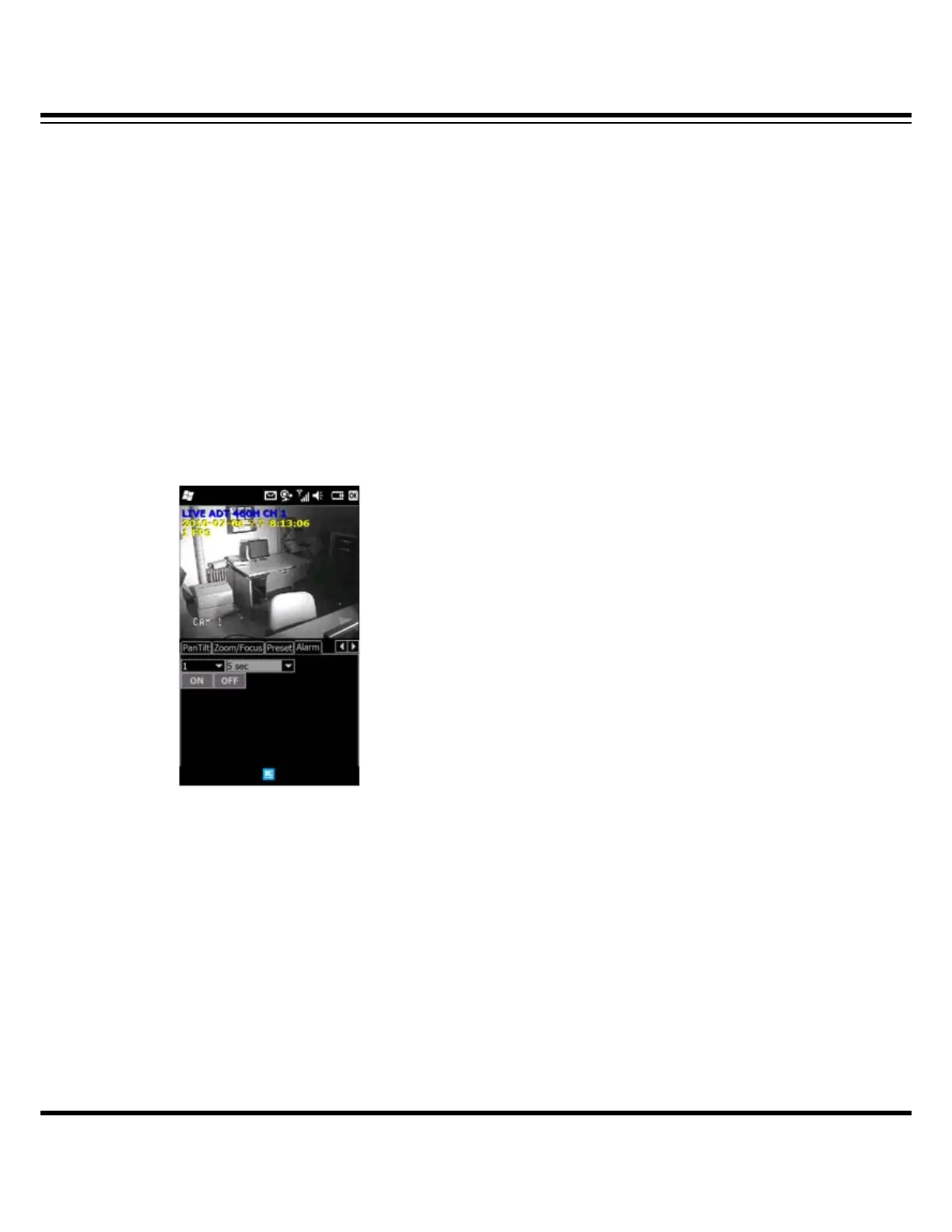
Click the “Alarm” tap to control alarm output.
• Select a number (1~16) : Relay out port. ( Default : 1 )
• Time : Set a dwell time.
• ON/OFF : Press to start or stop.
(Example : If dwell time is set 5 sec., alarm output works for 5sec. when press “ON” button.)



 To Next Page