DIGITAL VIDEO RECORDER MANUAL
DIGITAL VIDEO RECODER MANUAL
78
User : Input the USER ID.
Password : Input the same password registered on DVR.
(Notice : DVR ‘MENU’ “SYSTEM” PASSWORD “USER ID” + “PASSWORD”)
IP : It is for Static IP user only.
(ORDER2) If you check “DDNS Use”, DDNS IP input space will be activated
(Notice : It is for Dynamic IP user only )
(ORDER 3) How to check the DDNS ID: DVR ‘MENU’ “SYSTEM” SYSTEM INFORMATION.
Copy the ‘WEBCODE’ and input it to DDNS ID and save it.
(DDNS PORT is automatically displayed as per the WEBCODE.)
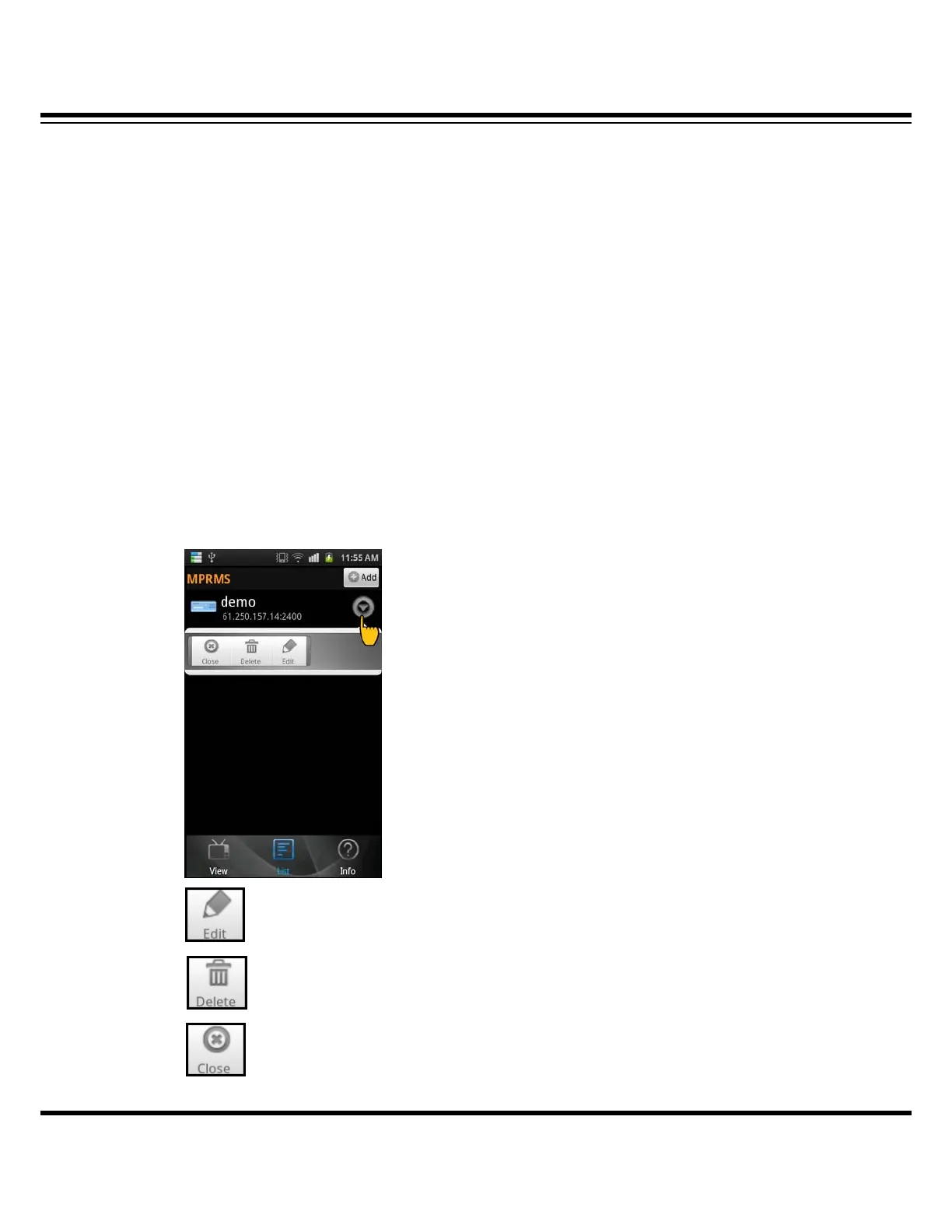
14-4 Registered information ‘Modify/ Delete’
If you want to modify or delete the information, click the reversed triangle icon.
When you change the information.
When you delete the information.
TOOL menu close (Dual function : Disconnection )



 To Next Page