DIGITAL VIDEO RECORDER MANUAL
DIGITAL VIDEO RECODER MANUAL
80
14-7 Main menu
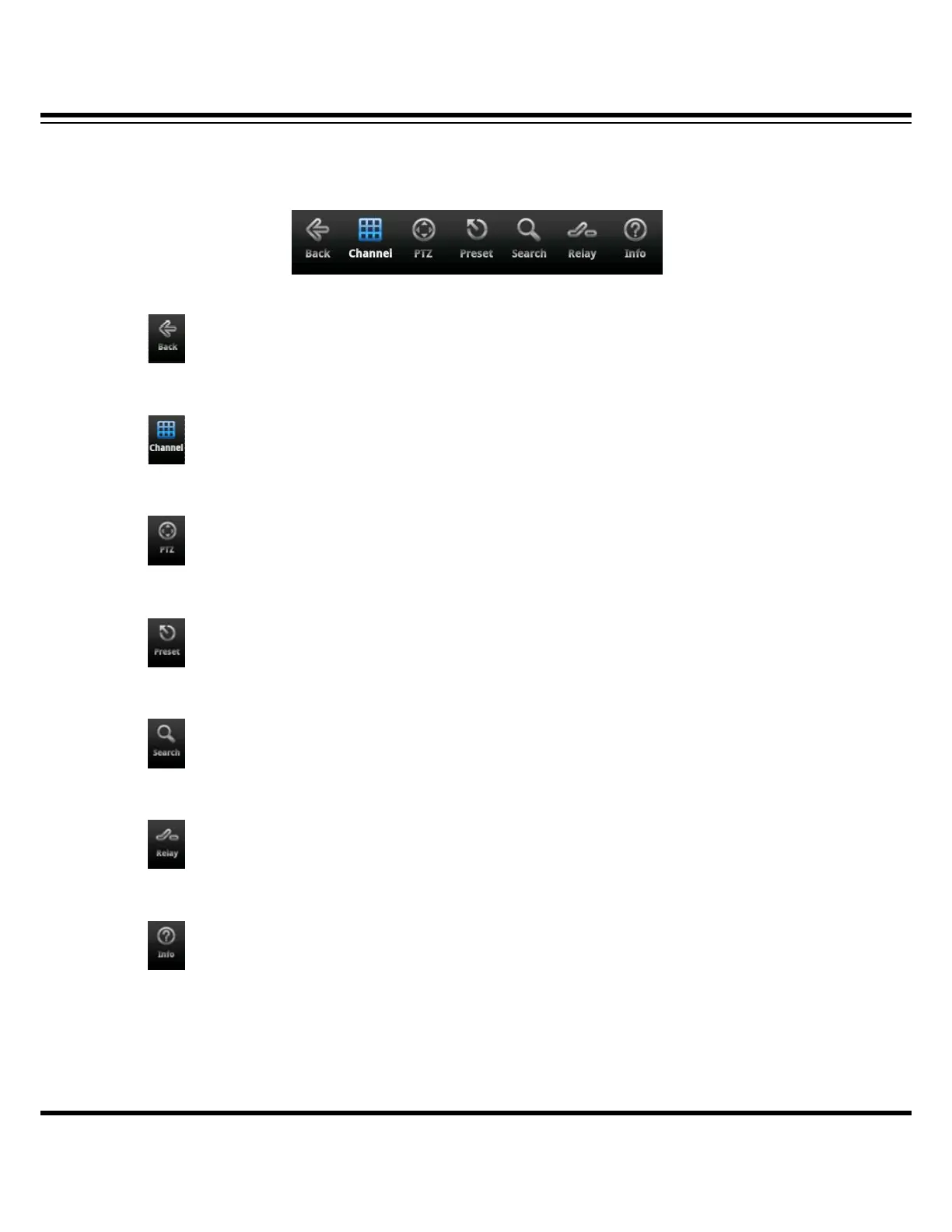
On the bottom line of screen, there is the main menu. It is for the monitoring changes.
Move to the previous menu or close the monitoring program.
Move to live mode( channel changing, I Frame, OSD display)
PTZ mode
PTZ preset
SEARCH mode
RELAY OUT
Registered information



 To Next Page