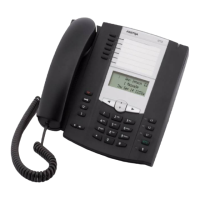
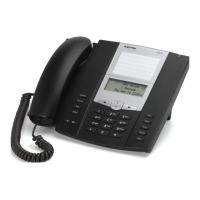
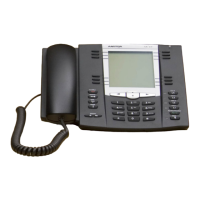
Line Keys and Softkeys
109 41-001452-00 Rev 00 – 07.2011
Using the Paging Key
The following procedure describes the use of the Paging key on the IP Phone. The procedure assumes you have already
configured the Paging key using the Aastra Web UI.
11. To receive RTP steams for Group Paging, you must also configure the "Paging Listen Addresses" parameter at
the path, Basic Settings->Preferences->Group Paging RTP Settings. For more information about setting this param-
eter, see “Group RTP Paging (receives RTP streams)” on page 178.
12. Click Save Settings.
IP Phone UI
Notes:
1.Recipient of a Paging call can set a global “Do Not Disturb” (DND) to ignore any incoming pages.
2.For incoming Paging, the phone uses the Intercom configuration settings. The incoming Page is dependant on the
“Allow Barge-In” parameter setting and the “Idling/On Call” state.
1. On the IP Phone, press the softkey or expansion module key you configured for
Paging (labeled as “Group 1” in the following illustration).
The phone opens a multicast RTP session and an outgoing OR incoming phone screen displays as follows.
2. Press the Drop key to end the multicast RTP session and return to the idle screen.
Note:
If you enable global DND on the phone, the incoming multicast RTP session is dropped.
Tues Jan1 10:00am
Services
Dir
Callers
Icom
Group 1
LAB
ACD
VoIPon www.voipon.co.uk sales@voipon.co.uk Tel: +44 (0)1245 808195 Fax: +44 (0)1245 808299
www.InternetVoipPhone.co.uk | sales@internetvoipphone.co.uk | 0800 088 4846


 To Next Page
 Loading...