USER’S MANUAL
11/26
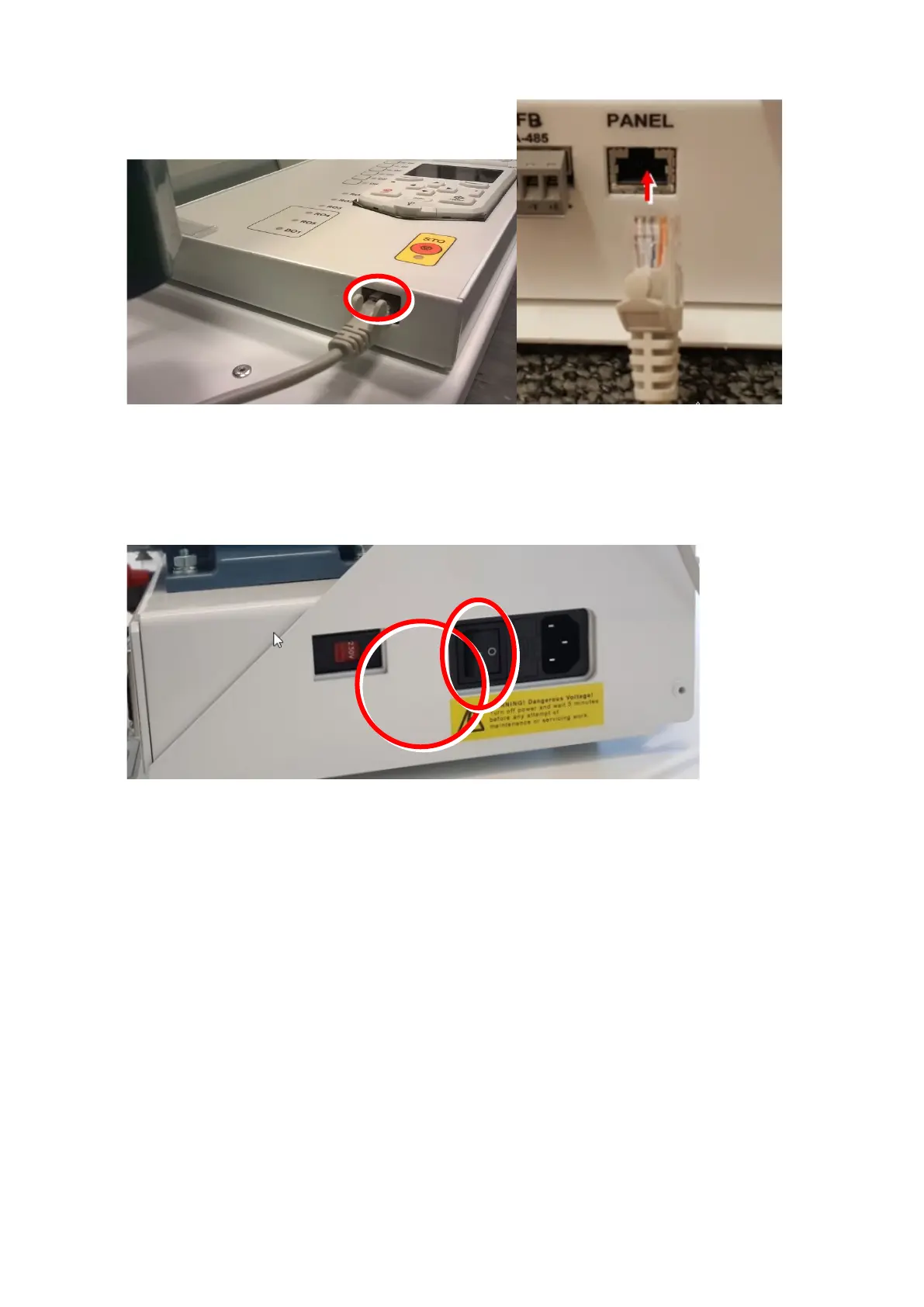
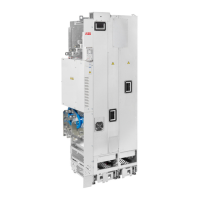
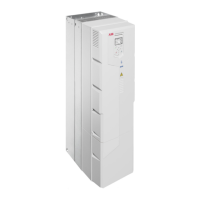
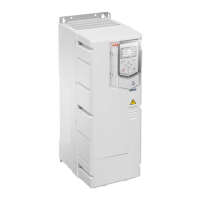
I/O-panel connection A is located next to mains cord connection and the I/O-panel connection B is
located at the bottom of the I/O-panel as shown in the pictures above.
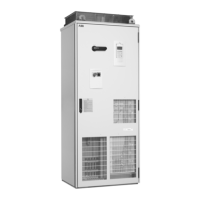
6. Switch on the demo using the mains switch.
7. Make sure from “Menu” – “System info” that the drive and control panel
firmware versions are up to date. The latest firmware versions can be
downloaded from ABB’s IHMM.
8. Note: When you shut down the demo first turn off the power switch.



 To Next Page