ITS2.1 User Manual rev.04/1SEP622750P0001 38
14.3 Ekip Display Start Menu
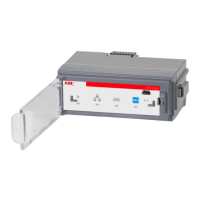
Ekip Display Start menu will replace the function of the LED’s placed on the ITS 2.1 front.
a ) : 3 status alternatives :
Communication active on bus and ITS
No communication on the bus
Communication on the bus, but no address to ITS (undefined)
b ) : 4 status alternatives for XR MOT / 3 status alternatives for XR manually operated
Fusegear open after automatic switch off by the MOT.
(Available at XR MOT only, parameter setting at Ekip Connect or at the Display settings)
C ) : 2 status alternatives at XR MOT only :
Remote operated MOT ( Motor )
Local operated MOT ( Motor )


 To Next Page











