24
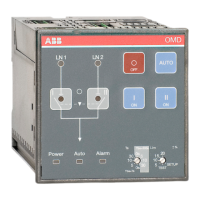
AUTOMATIC CONTROL UNIT, OMD800
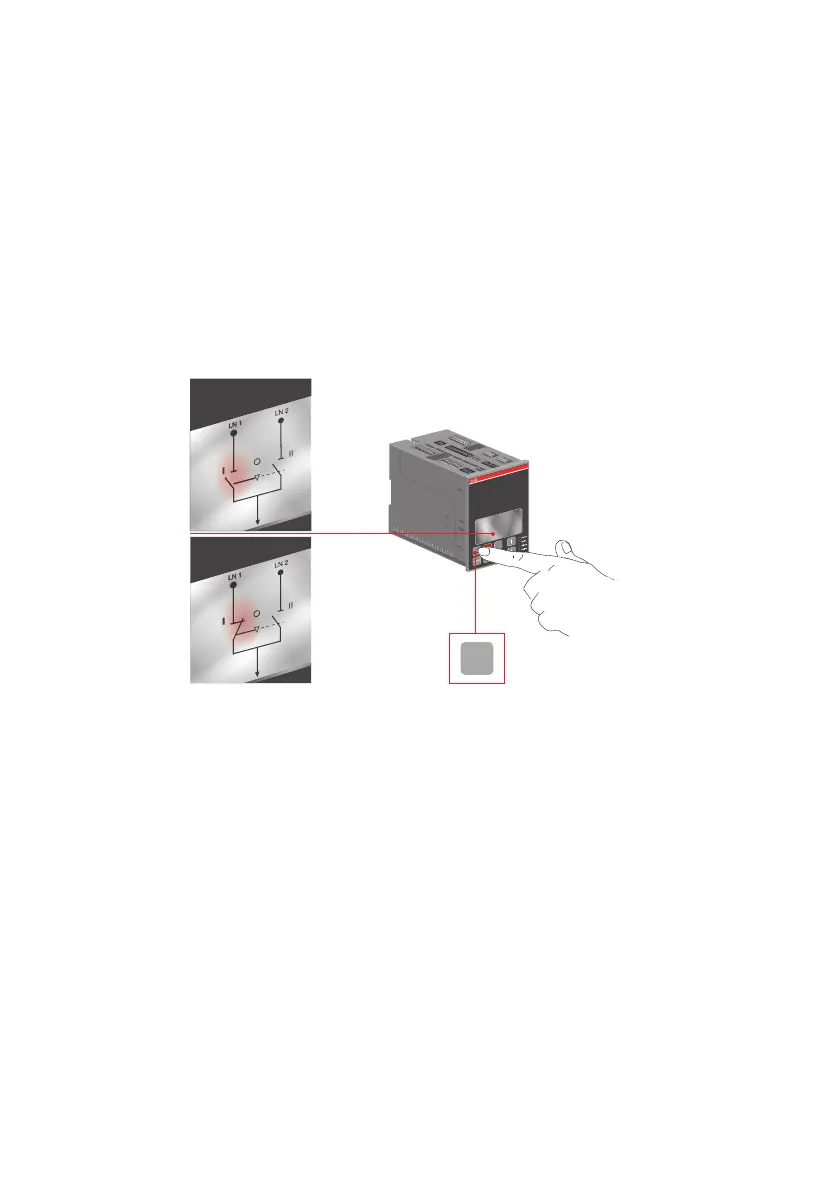
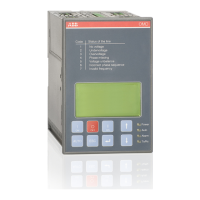
Figure 6.2 Selecting the switch to operate, the switch status and the chosen line indication in
display terminal in OMD800
To select the operating line by the automatic control unit OMD800 in Manual Mode:
a. Push the appropriate I, O or II key.
b. When pushing the I-key (see the Figure 6.2/k), the I-switch will be in the ON position (the status
and the line indication, see the Figure 6.2/l) and the II-switch will be in the OFF position.
If the I-switch is already in the ON position, pushing the I-key does not have any influence.
c. When pushing the O-key, the I-switch will be in the OFF position. The II-switch remains in the
OFF position.
d. When pushing the II-key, the II-switch will be in the ON position and the I-switch will be in the
OFF position.
e. If you push the I-key while the II-switch is in the ON position, first the II-switch opens (OFF
position) and then the I-switch closes its contacts (ON position).
II
OMD
OFF ON
I
ON
X11
X31
I
ON
2
3
1


 To Next Page