23
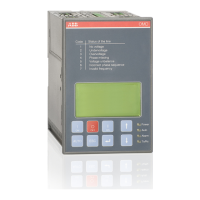
AUTOMATIC CONTROL UNIT, OMD800
AUTOMATIC CONTROL UNIT, OMD800
—
6 Operating
Never open any covers on the product. There may be dangerous external control voltages
inside the automatic control unit even if the voltage is turned off.
Never handle control cables when the voltage of the automatic control unit or external
control circuits are connected.
Exercise sufficient caution when handling the unit.
—
6.1 Automatic control unit OMD800 in Manual Mode
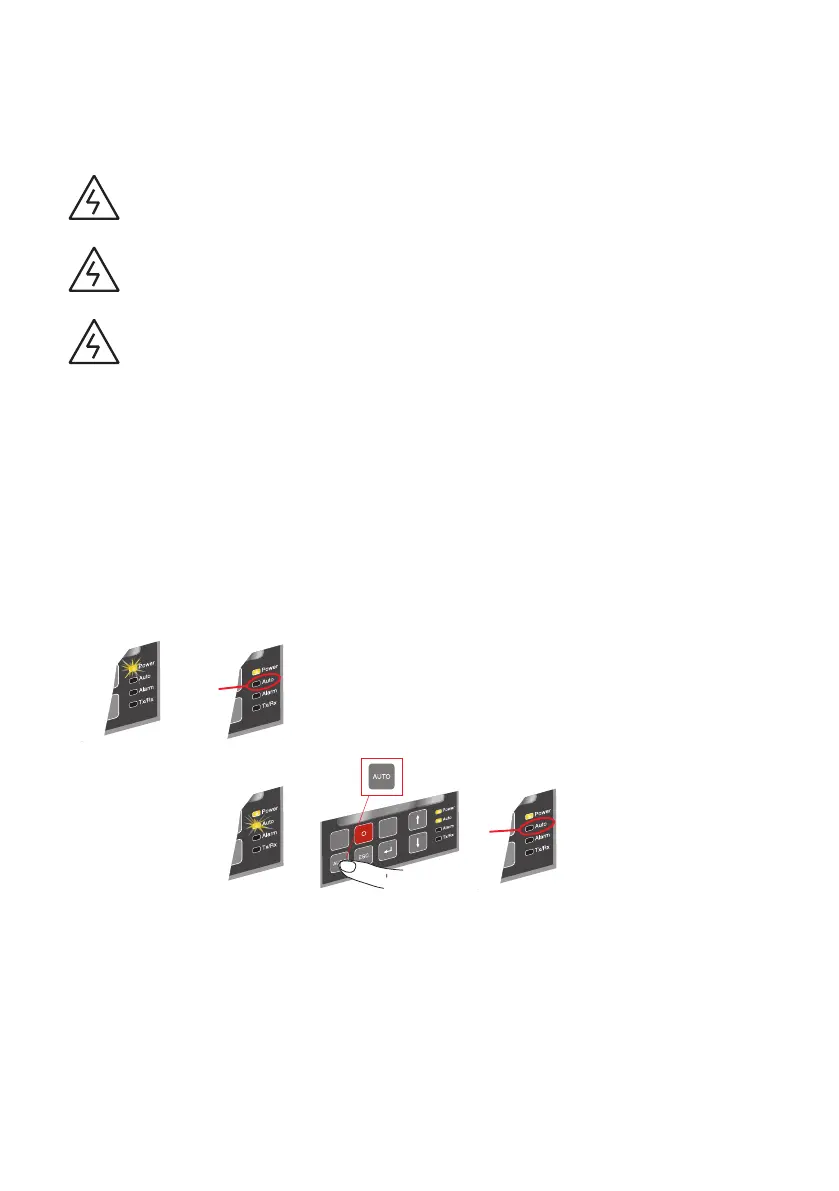
Selecting the automatic control unit OMD800 to the Manual Mode:
a Make sure that power LED is ON, see the Figure 4.1/j.
b If Auto LED is OFF /k, the automatic control unit is in Manual Mode.
c If the Auto LED is ON, push the AUTO key once /l. The Auto LED switches to OFF and the
automatic control unit OMD800 is in Manual Mode /m.
Figure 6.1 Selecting the automatic control unit OMD800 to Manual Mode
OR
!
!
1 2
2
3 4
Manual mode
Manual mode


 To Next Page