25
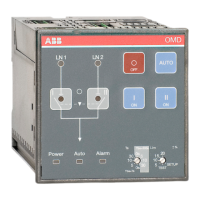
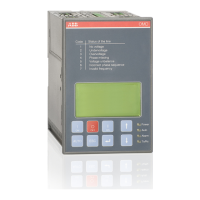
AUTOMATIC CONTROL UNIT, OMD800
AUTOMATIC CONTROL UNIT, OMD800
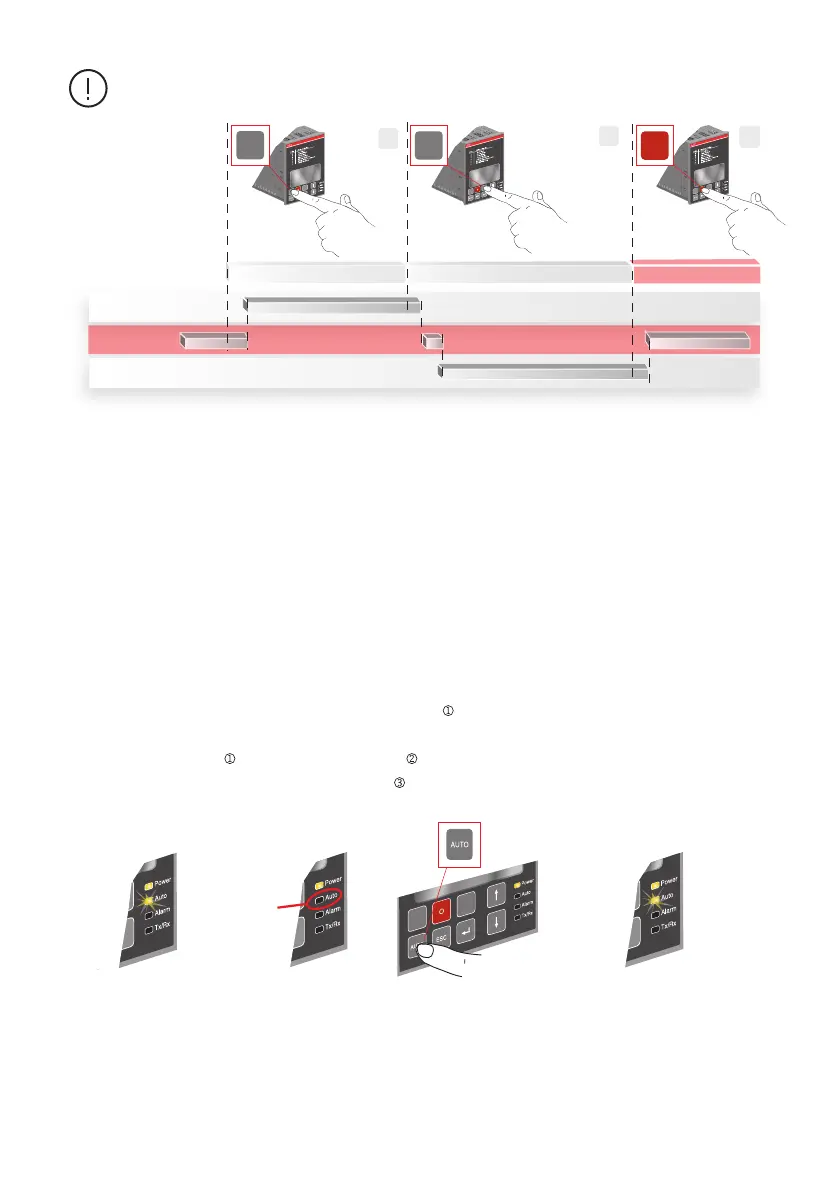
If a new command is given before the switch has reached the position of the previous
command, the fuse (F1) of the motor operator may operate.
Figure 6.4 Selecting the automatic control unit OMD800 to Automatic Mode
See the OMD800 Automatic Mode operation in Section 7.
Figure 6.3 Manual Mode control
Pushing of the O-key (= O-command) will override the commands of the other keys. For example, if you
simultaneously give an O-command and another command (I or II), the motorized change-over switch
OTM_C is driven to the position O.
—
6.2 Automatic control unit OMD800 in Automatic mode
A07278
OR
Automatic mode
1
2
1
II
II
OMD
OFF ON
I
ON
II
II
OMD
OFF ON
I
ON
II
I
II
OMD
OFF
ON
I
ON
I - position
0 - position
II - position
A07279
I - command II - command 0 - command
Selecting the automatic control unit OMD800 to the Automatic Mode:
a. Make sure that power LED is ON. If Auto LED is ON/ , the automatic control unit is in Automatic
Mode.
b. If Auto LED is OFF/ , push the Auto key once/ , the Auto LED switches ON and the automatic
control unit OMD800 is in Automatic Mode/


 To Next Page