28
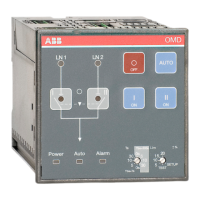
AUTOMATIC CONTROL UNIT, OMD800
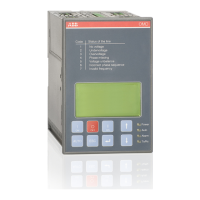
There are four menu browsing keys to operate the automatic control unit OMD800 from the display.
The default password is 0001.
—
7.2 Configuration
7.2.1 Menu browsing keys
Enter is used to enter a new menu page and to accept function
ECS is used to exit a menu page
UP is used to move one step up on the menu
DOWN is used to move one step down on the menu


 To Next Page