27
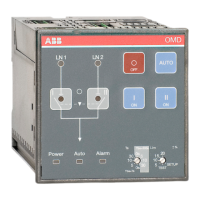
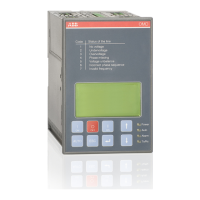
AUTOMATIC CONTROL UNIT, OMD800
AUTOMATIC CONTROL UNIT, OMD800
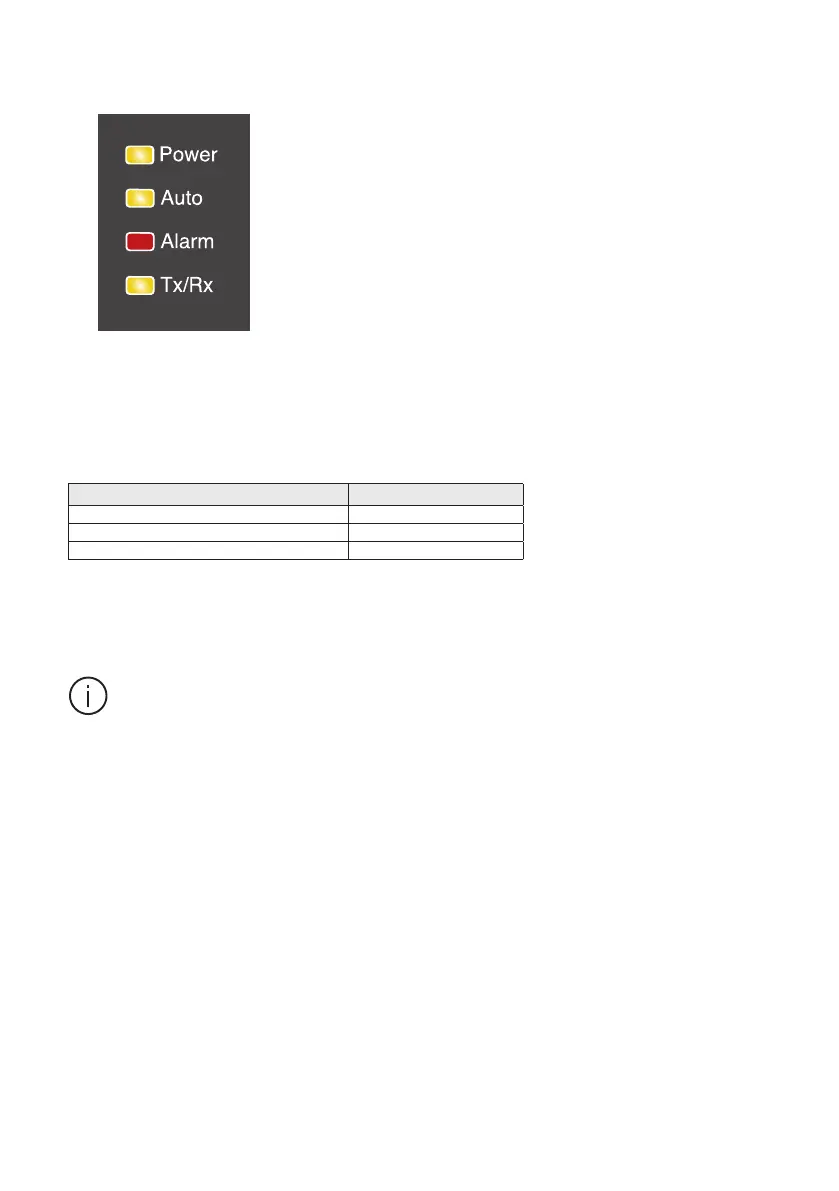
7.1.2 LEDs
Alarm Status LED Indication
Handle attached ON
Switching logic alarm Blinking
No alarm OFF
Auto
A green Auto LED signals the automatic or the manual mode. When the automatic control unit OMD800
is in automatic mode, the Auto LED is ON. When the device is in manual mode,the Auto LED is OFF. In
test sequence the Auto LED is blinking.
Power
A green Power LED signals the power status. When power is ON, the Power LED is ON. The automatic
control unit OMD800 will remain in standby state at least one minute after power failure. A blinking
Power LED indicates standby mode.
Tx/R x
A green Tx/Rx LED signals the state of communication bus. When the LED is blinking, the automatic
control unit OMD800 is sending data to the bus.
Alarm
A red Alarm LED signals an external alarm. Alarm status is explained in the Table 7.1. An active alarm is
set off by pushing the AUTO key.
KA00298
Figure 7.3 LEDs on OMD800
Table 7.1 Alarm status indication
When the Alarm LED is ON or blinking, check the state of the motorized change-over switch
and repair the possible fault situation. An active alarm is set off by pushing the AUTO key.
NOTE: When the handle is removed, the automatic control unit will stay in Manual Mode and the Alarm
LED will be OFF.


 To Next Page